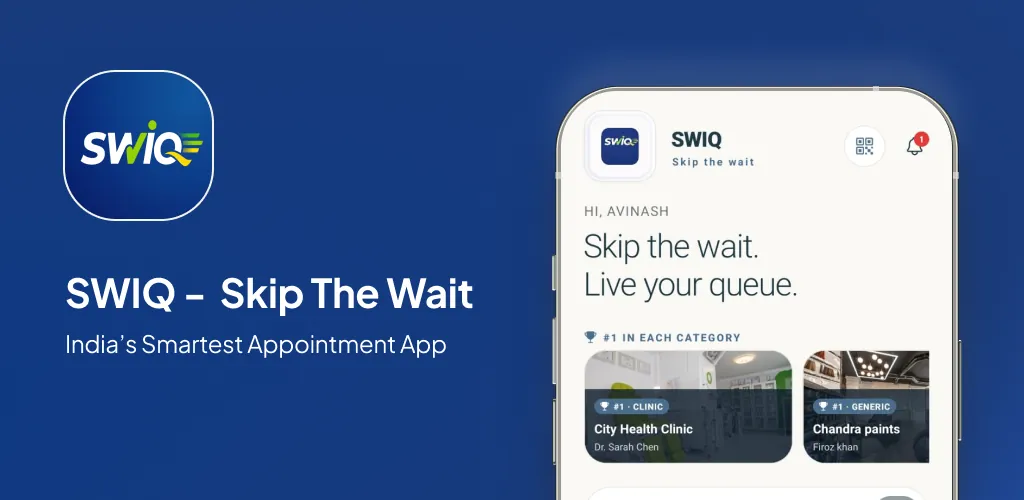
Best queue management software is not a one-size-fits-all answer. The right software depends on your specific business type, staff size, customer volume, and whether you handle walk-ins, appointments, or both. This guide gives you a practical framework to compare queue management software options objectively.
Key takeaways
- The best queue management software handles booking, queue tracking, and service completion in one platform.
- Real-time features (live tokens, delay updates, staff dashboards) separate premium tools from basic booking apps.
- Walk-in handling is essential — most queue management software ignores this reality.
- Pricing transparency and setup speed matter as much as feature lists.
Why comparison matters more than marketing
Every queue management software vendor claims to be the best. Feature lists look similar on paper. But the real difference emerges in daily operations — how the software handles a chaotic Saturday afternoon with walk-ins piling up alongside appointments.
The comparison framework in this guide focuses on operational reality, not marketing promises. We evaluate queue management software on how well it handles the messy, unpredictable nature of real service businesses.
What separates good queue management software from great
Good queue management software lets customers book appointments and shows a basic queue list. Great queue management software handles the entire customer journey — from booking to check-in to queue tracking to service completion — without requiring multiple tools.
The key differentiators are: real-time queue updates (not just a static list), automatic delay notifications (not manual staff announcements), walk-in handling (not just online bookings), and analytics that drive actual business decisions.
SWIQ was designed from day one to handle both appointments and walk-ins in a single queue. Most competitors force you to choose one or the other, or manage them on separate systems.
How SWIQ addresses real queue challenges
Unified appointment and walk-in queue. SWIQ manages a single queue that handles both online bookings and walk-in customers. No separate systems. No confusion at the front desk.
QR code check-in. Walk-in customers scan a QR code to join the queue instantly. They see their position, estimated wait time, and how many people are ahead — all on their phone screen.
Live delay tracking. When a provider runs late, every customer behind them gets an updated wait time automatically. The system calculates the cascading delay based on real service durations.
Role-based staff access. Each provider sees only their own queue. The front desk sees the entire operation. No information overload, no confusion.
Who should use this guide
This guide is for business owners, operations managers, and clinic administrators who are actively comparing queue management software. You have likely seen multiple product demos, read feature comparisons, and are still unsure which software fits your actual workflow.
The answer is not in feature checklists. It is in matching software capabilities to your real daily operations — your peak hours, your walk-in volume, your service durations, and your staff workflow.
Capacity planning comes before opening slots
The best queue management software is useless if your capacity settings are wrong. Before you compare products, map your real capacity: how many customers can each staff member serve per hour, what are the actual service durations, and how many walk-ins do you get during peak hours?
SWIQ tracks actual service times over weeks and months, giving you data-driven capacity settings instead of guesswork.
Design the complete customer journey
The queue experience starts before the customer arrives. It includes booking, confirmation, pre-arrival reminders, check-in, live queue tracking, delay notifications, turn alerts, and service completion. The best queue management software handles every stage without gaps.
SWIQ connects booking to queue to completion in one flow. Customers book a slot, get a token, see their live position, receive delay updates, and get notified when it is their turn.
Build a daily operating workflow staff can maintain
If the system requires staff to manually update statuses, they will eventually stop doing it. The best queue management software must have a workflow that staff can follow without thinking.
SWIQ's staff dashboard is designed for one-tap operations. Mark a customer as "being served" with one tap. Mark them as "completed" with another. The system handles notifications, queue reordering, and wait time calculations automatically.
Make delays visible and useful
Delays are inevitable. The best queue management software handles them gracefully by automatically updating wait times for every customer in the queue and sending notifications when status changes.
SWIQ's running delay tracker calculates cascading delays in real time. When the first customer takes 10 minutes longer than expected, every subsequent customer's estimated wait time updates automatically.
Smart notification strategy
Every notification should deliver actionable information. The best queue management software sends notifications only when the customer needs to take action — queue confirmation, delay update, or turn arrival.
SWIQ sends three targeted notification types: confirmation when joining the queue, delay updates when wait times change, and turn arrival alerts. No noise, just useful information.
Protect privacy and account access by design
Queue management involves customer data. The best queue management software must handle this data securely with encrypted storage, role-based access, and no third-party data sharing.
SWIQ stores data on encrypted servers, gives business owners full control, and provides role-based views so staff see only what they need.
A practical implementation plan
Week 1: Set up your account, define services and durations, add staff, configure queue rules. Week 2: Run alongside existing system. Week 3: Switch fully. Week 4: Review analytics and optimize.
Measure outcomes that reflect real service quality
The best queue management software helps you track average wait time, service completion time, no-show rate, and customer return rate. SWIQ provides a built-in analytics dashboard for all of these metrics.
Common mistakes and how to avoid them
Mistake 1: Choosing based on feature count instead of workflow fit. Mistake 2: Ignoring walk-in handling capability. Mistake 3: Not testing with real customers before full launch. Mistake 4: Skipping staff training on the dashboard workflow.
Comparison checklist
When evaluating queue management software, check: real-time queue tracking, walk-in support, service-specific slot booking, delay notifications, staff role-based access, analytics, pricing transparency, and setup time. SWIQ meets all of these criteria.
A realistic first 30 days
Days 1-3: Setup. Days 4-7: Internal testing. Days 8-14: Live operations with monitoring. Days 15-21: Adjustments and optimization. Days 22-30: Review analytics and plan improvements.
Practical next step: map your real availability, booking, walk-in, delay, and staff workflow before choosing software. Technology should simplify that flow rather than force every business into the same calendar.
Useful official resource
For additional context, read SWIQ pricing plans. External references are selected to help readers verify platform, policy, or public digital-service information relevant to this guide.
Frequently asked questions
What makes queue management software the best?
The best queue management software handles the full customer journey — from booking to check-in to queue tracking to service completion — in a single platform without requiring multiple tools.
What features should queue management software have?
Key features include real-time queue tracking, service-specific slot booking, automated notifications, staff role-based access, delay management, walk-in handling, and analytics reporting.
Is free queue management software good enough?
Free queue management software often has limits on queue size, number of staff, or features. For small businesses with simple needs, free tools work. For growing businesses, paid software provides the features needed to scale.
How do I choose between queue management software options?
Start by mapping your actual workflow — how many staff, how many services, walk-in vs. appointment ratio, and required features. Then compare products against your specific workflow, not generic feature lists.
Can SWIQ handle queue management for my business?
Yes. SWIQ combines provider-controlled availability, QR code booking, live tokens, running delay updates, notifications, staff access, and enterprise dashboards in one platform.
See SWIQ in action
Explore provider-controlled availability, QR booking, live tokens, delay tracking, staff access, and enterprise dashboards.
Launch the SWIQ web app