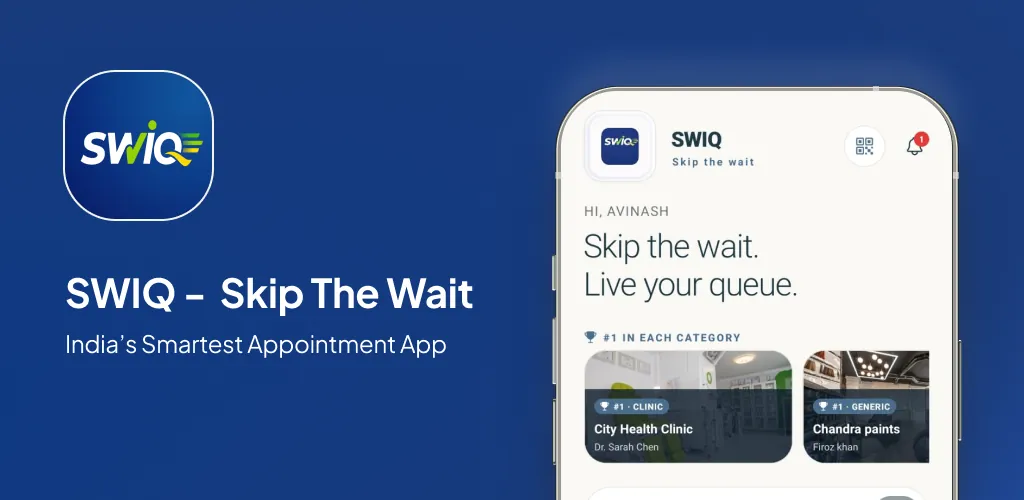
Queue management software free options are everywhere — but not all free queue management tools deliver the same value. Some offer a genuinely useful free tier; others offer a stripped-down teaser that forces an upgrade within weeks.
Key takeaways
- Free queue management software works best for small businesses with simple queue needs.
- Check staff limits, queue size caps, and analytics restrictions before choosing.
- SWIQ's free plan includes queue tracking, booking, and QR check-in without daily limits.
- Upgrade when your business outgrows the free tier's staff or feature limits.
What free queue management software typically includes
Most free queue management software offers basic queue creation, customer check-in, and a simple queue display. The better free tiers add QR code check-in, appointment booking, and real-time queue tracking.
The free tier is ideal for testing. You can deploy a queue management system to real customers, measure the impact on wait times and customer satisfaction, and decide whether to upgrade — all without spending money upfront.
Real limitations you should know about
Staff count limits. Many free plans restrict the number of staff members who can manage queues. If you have three or more team members, check whether the free plan supports them all.
Queue size caps. Some free tools limit the number of active customers in the queue. During peak hours, this cap forces you to turn customers away.
Analytics restrictions. Free tiers often provide basic queue statistics but withhold detailed analytics. For businesses that need data-driven decisions, this limitation is significant.
Support priority. Free plan users typically get email-only support with longer response times. Paid plans include priority support with faster resolution.
SWIQ's approach to free queue management software
SWIQ's free plan is designed to be permanently usable, not just a trial. It includes queue tracking, appointment booking, QR code check-in, and basic notifications — all without daily transaction limits.
The paid plan adds advanced analytics, multi-branch management, enterprise dashboards, custom branding, and priority support. This structure lets small businesses use the free plan indefinitely while growing businesses unlock features as needed.
Who should use this guide
This guide is for small business owners, solo practitioners, and startup operators evaluating free queue management software. You want to understand what free tiers include, where they fall short, and how to choose the right option for your business.
Capacity planning comes before opening slots
Whether you use free or paid software, map your real capacity first. Service durations, staff availability, and peak hour volumes determine whether a free plan meets your needs.
Design the complete customer journey
The queue experience includes booking, check-in, queue tracking, delay notifications, and service completion. Evaluate whether the free plan handles the full journey, not just the check-in step.
Build a daily operating workflow
Staff workflow matters more than feature lists. One-tap status updates, clear queue display, and role-based views keep operations smooth — even on a free plan.
Make delays visible and useful
Delay tracking is a premium feature in many queue management apps. SWIQ's free plan includes basic delay notifications, while advanced cascading delay tracking is available on paid plans.
Smart notification strategy
Check notification channel support (push, SMS, email) and daily limits before choosing a free plan. SWIQ's free tier includes push notifications without daily caps.
Protect privacy by design
Some free tools monetize through data collection. Review the privacy policy before choosing. SWIQ does not sell or share customer data with third parties.
A practical implementation plan
Week 1: Set up free plan, add services, configure queue rules. Week 2-3: Run with real customers. Week 4: Evaluate whether free tier meets needs or upgrade is warranted.
Measure outcomes that matter
Track wait time, customer satisfaction, and queue flow. If the free plan's analytics do not provide enough insight, consider upgrading for better data.
Common mistakes
Mistake 1: Choosing without checking staff limits. Mistake 2: Ignoring notification restrictions. Mistake 3: Not evaluating upgrade costs before committing.
Free vs. paid decision framework
Stay on free when: you have 1-3 staff, simple service types, low daily queue volume, and basic analytics needs. Upgrade when: you add staff, need multi-branch management, require advanced analytics, or need priority support.
A realistic first 30 days
Start with the free plan. Test with real customers for two weeks. Compare with your old system. Decide at the end of 30 days whether to stay on free or upgrade.
Practical next step: map your real availability, booking, walk-in, delay, and staff workflow before choosing software. Technology should simplify that flow rather than force every business into the same calendar.
Useful official resource
For additional context, read SWIQ pricing plans. External references are selected to help readers verify platform, policy, or public digital-service information relevant to this guide.
Frequently asked questions
Is queue management software really free?
Some queue management software offers genuinely free plans with core features. SWIQ provides a free tier that includes queue tracking, booking, and QR check-in for small businesses.
What is the catch with free queue management software?
Free plans typically have limits on staff count, queue size, analytics depth, or support level. These limits are manageable for small businesses but may require an upgrade as you grow.
Can free queue management software handle both appointments and walk-ins?
SWIQ's free plan handles both appointments and walk-in customers through QR code check-in. Many competitors only handle one or the other on their free tiers.
How do I migrate from a free plan to a paid plan?
With SWIQ, upgrading is seamless — your existing queue data, customer history, and settings carry over to the paid plan without any migration work.
What features unlock on paid plans?
Paid plans typically unlock advanced analytics, multi-branch support, enterprise dashboards, custom branding, priority support, and API integrations.
See SWIQ in action
Explore provider-controlled availability, QR booking, live tokens, delay tracking, staff access, and enterprise dashboards.
Launch the SWIQ web app