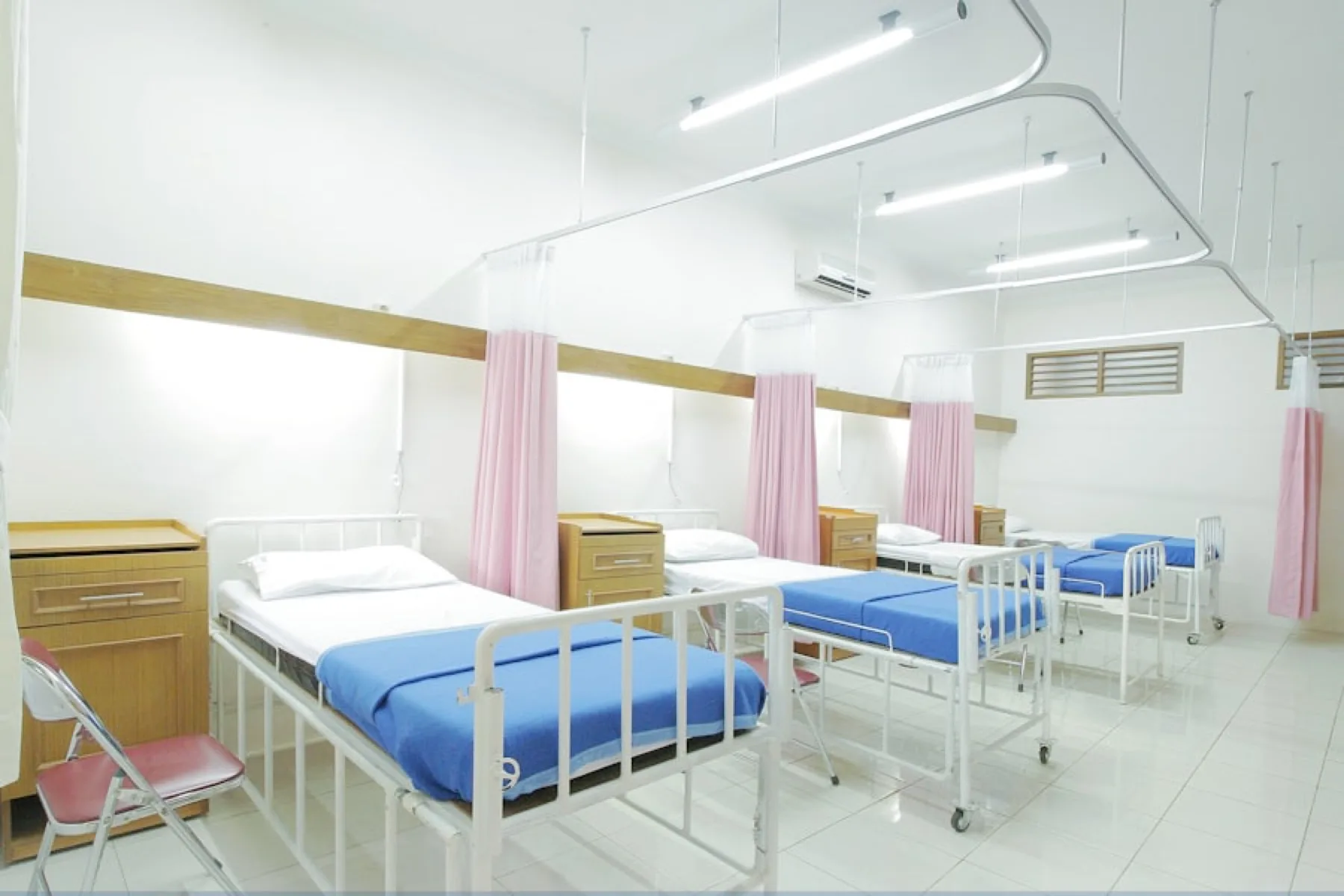
radiology appointment booking software is most valuable when it creates a clear operating flow for customers, staff, and owners. This guide explains how to plan the booking experience, live queue, reports, and launch checks.
Key takeaways
- Publish only provider-approved availability.
- Keep token numbers consistent across every screen.
- Show live delay and serving status clearly.
- Count completed bookings separately from cancellations.
Why this booking workflow matters
radiology appointment booking software matters because customers want a confirmed time, clear provider details, and a reliable update when a service is running late. For local service businesses, the booking tool is not just a calendar. It is the customer-facing promise that the business can manage time professionally. SWIQ connects the public profile, QR booking, staff actions, live token status, and reporting so the experience stays consistent from discovery to completion.
When businesses rely on phone calls, paper lists, or separate chat messages, staff spend the day repeating status information. A structured radiology appointment booking software workflow reduces those repeated calls and helps customers decide when to arrive.
Start with real availability
Every appointment system should begin with provider-approved availability. Empty calendar space is not always usable capacity. Staff availability, rooms, equipment, breaks, service duration, and emergency buffers all affect what can be offered. SWIQ is designed around date-specific availability so businesses do not accidentally open the next 30 days without confirming capacity.
If a date is not configured, customers should see that it is not available. This protects trust and gives owners better control over operations.
Design a simple customer journey
The customer should understand the provider name, service category, location, date, slot, token, and status without needing to call. The booking page should work from a website button, provider code, Google Business Profile link, social media link, or QR scan. A good journey gives confidence before the appointment and clarity on the service day.
Internal links also help customers and search engines. Useful pages include SWIQ appointment booking software, the SWIQ web app, pricing plans, and local pages such as appointment booking in Jodhpur.
Live tokens and delay updates
A booking confirms the planned visit, but a live queue explains what is happening now. Show the current serving token, waiting status, and delay in plain language. If the provider is late by one minute, the customer view should display a clear running delay rather than hiding the issue. This helps people wait at home, arrive just in time, and avoid crowding.
Token logic must stay consistent across customer pages, provider dashboards, booking calendars, notifications, and enterprise views. Shift-wise tokens such as A, B, C, and D are easier to understand than mixed old labels.
Staff controls for busy days
The operational screen should focus on the next action: add walk-in, call next, complete, skip, pause, resume, or fix an old running token. If a provider forgets to close a previous token, the dashboard should offer a clear way to complete or skip it so delay does not continue into the next day.
Separate staff accounts keep the owner account safe. Assistants can operate the queue without editing profile, gallery, subscription, or enterprise settings.
Reports and subscription usage
Reports should separate completed bookings, cancellations, reschedules, no-shows, walk-ins, and live queue items. Subscription usage should count completed bookings when the business rule is completed service usage. Cancelled bookings are useful for analysis but should not consume the same limit as a customer who was actually served.
Enterprise owners need the same logic across sub-clients. They should see booking usage, remaining limits, live queues, branch activity, staff actions, and calendar-level detail from one dashboard.
Implementation steps for owners
A practical radiology appointment booking software rollout should start with one location, one service category, and a small group of staff. Add the provider profile, upload real photos, define the service address, publish QR code access, and open only the dates that are ready for booking. This avoids the common mistake of launching every service at once before staff have learned the queue controls.
After the first few days, expand to more services, more dates, and more staff accounts. Keep the first rollout simple enough that the front desk can explain it in one sentence: customers book a slot, receive a token, and follow the live update before arriving.
What customers should see
Customers do not need internal operational language. They need simple labels: open, not set, selected slot, waiting, almost your turn, now serving, running late, completed, cancelled, and reschedule. A good booking page uses these labels consistently across the service page, appointment page, notifications, and QR scan flow.
For radiology appointment booking software, the most important customer screen is the day-of-visit tracker. It should show the booked time, token, current serving token, expected waiting status, and a clear message if the provider is delayed. This reduces anxiety and prevents unnecessary calls.
Common mistakes to avoid
The biggest mistake is showing every date as bookable just because it falls inside the next 30 days. Availability should come from the provider, not from an automatic calendar assumption. Another mistake is counting cancelled bookings as used subscription capacity when the business only wants completed appointments to count toward monthly limits.
Do not hide delay information. If a provider is running late, customers usually prefer honest updates over silence. A visible live clock, a red delay state, and a practical arrival message are better than making everyone wait at the venue.
Example workflow for a busy day
At the start of the day, the owner checks published shifts and confirms staff roles. The first customer arrives or waits from home, staff press call next, and the customer view changes to now serving. If a walk-in arrives, staff add the walk-in into the correct shift without changing existing booked slots.
If the provider pauses for a break or emergency, the dashboard should let staff pause the queue and notify customers. When service resumes, staff continue from the correct next token. This is where radiology appointment booking software becomes more than a booking form: it becomes daily operations software.
Local SEO and conversion details
For local search, each service business should connect the website booking page to its Google Business Profile, WhatsApp, Instagram, and QR code. The same name, address, phone, opening hours, and category should appear everywhere. This improves trust for users and helps search engines understand the real business location.
A strong page for radiology appointment booking software should also include useful photos, service categories, customer benefits, FAQs, and direct action buttons. The goal is not only ranking. The goal is converting search visitors into confirmed appointment slots.
How SWIQ fits different service categories
radiology appointment booking software can support clinics, salons, spas, diagnostic labs, hospitals, consultants, repair counters, hotel desks, and other appointment-led services because the core problem is the same: customers need a confirmed slot and a reliable view of the queue. Each category may use different words, but the operational pattern is shared.
Clinics may focus on patient flow, salons may focus on stylist availability, hotels may focus on spa and desk appointments, and service counters may focus on token order. SWIQ keeps the same foundation while allowing each provider profile to present the right business category and customer message.
Data that should be reviewed every week
Weekly review should include completed appointments, cancelled appointments, rescheduled appointments, walk-ins, no-shows, average delay, peak booking hours, and the number of customers who used QR or provider code access. This helps the owner understand whether the booking setup is actually reducing waiting room pressure.
For enterprise accounts, the same report should be available at branch level and combined owner level. A main enterprise user should be able to compare sub-clients, see which locations are busy, and decide where more staff or booking capacity is needed.
Customer communication templates
Simple customer messages make the system feel reliable. For example: your booking is confirmed, your token is scheduled, your provider is running late, it is almost your turn, please come now, your appointment was completed, or your booking was cancelled. These messages should be short, direct, and consistent.
For radiology appointment booking software, the best communication is proactive. Customers should not need to refresh repeatedly or call the front desk. Notifications, appointment pages, and live tracker labels should all explain the same status using the same language.
30 day rollout plan
Week one should focus on setup: profile, images, category, address, availability, staff access, QR testing, and notification testing. Week two should focus on real customer bookings and checking whether customers understand the live tracker. Week three should add reports, subscription limit review, and staff training.
By week four, owners can compare completed bookings, cancelled bookings, average delay, and peak slot demand. That data should guide slot duration, staffing, and whether the business needs a higher booking plan or an enterprise setup.
SEO and local discovery setup
A page targeting radiology appointment booking software should use the focus keyword in the title, headline, description, URL, image alt text, and useful body content. The page should answer practical questions instead of repeating the keyword unnaturally. Internal links help search engines understand the product structure, while selected external references help readers verify standards or public guidance.
For local ranking, keep business name, address, phone, service areas, and booking links consistent across the website, Google Business Profile, social media, and directory profiles.
Launch checklist
Before launch, test sign-in, QR scan, wrong QR recovery, booking, cancellation, rescheduling, notifications, staff login, live queue updates, and dashboard reports. Test on phone, tablet, and desktop. Test poor network and returning users as well as first-time users.
During the first week, review customer questions. If people ask where to go, when to arrive, or which token is active, improve the page labels and notification wording.
Monthly improvement plan
At the end of each month, review completed bookings, cancellations, no-shows, average delay, peak hours, staff activity, and remaining subscription capacity. Compare similar days and shifts before changing slot duration. A one-time delay may be normal, but repeating delay patterns usually mean capacity should be adjusted.
Use the data to simplify. A strong radiology appointment booking software workflow should reduce confusion, not add another dashboard that nobody trusts.
Useful external resource
For additional context, see this related public resource. SWIQ links to selected external resources only when they help readers verify platform, schema, industry, or operating guidance.
Frequently asked questions
What is radiology appointment booking software?
radiology appointment booking software is a workflow for publishing real availability, accepting bookings, coordinating staff, and showing live service status to customers.
What should be configured first?
Start with real provider availability, slot duration, breaks, staff responsibility, cancellation rules, and live queue statuses.
How does SWIQ help?
SWIQ combines provider profiles, QR booking, exact slots, live tokens, delay updates, notifications, staff access, subscription usage, and enterprise dashboards.
What should owners measure?
Track completed bookings, cancellations, no-shows, average delay, waiting list size, staff actions, and remaining monthly booking capacity.
Make appointments easier with SWIQ
Use SWIQ for exact slots, QR booking, live tokens, delay tracking, staff controls, subscription usage, and enterprise dashboards.
Launch the SWIQ web app