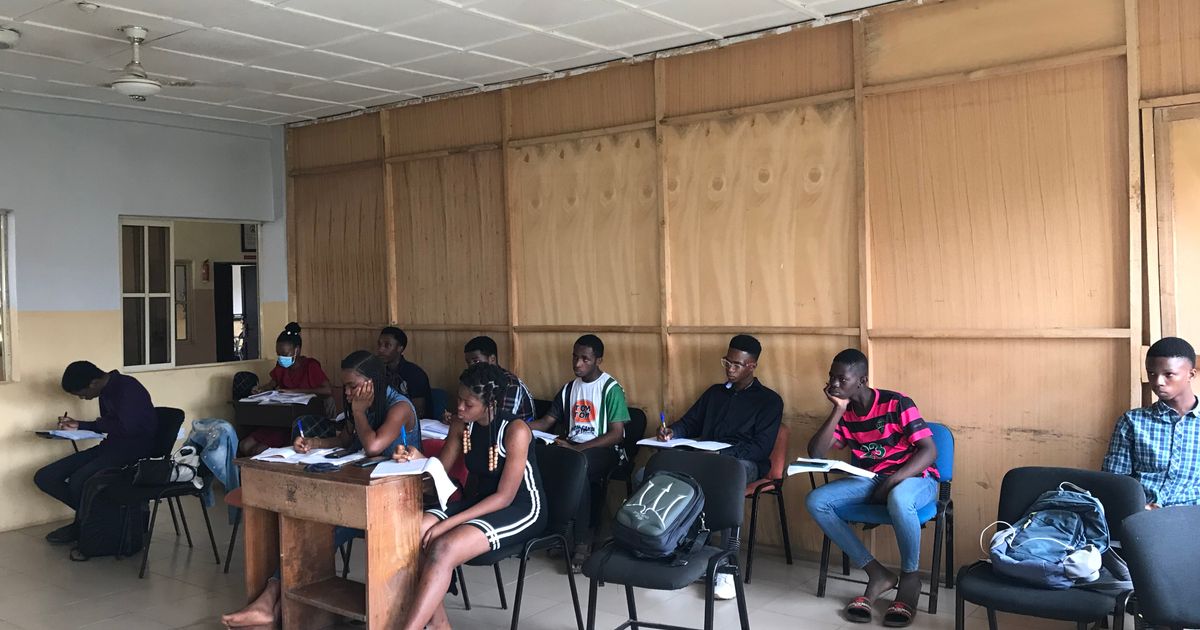
Coaching class appointment booking is the category of software that lets students and parents reserve a specific time with a specific teacher instead of walking in and hoping for a free moment. For Indian coaching centres — where the day is already cut into batches, tests and revision hours — the visits that break the schedule are the unplanned ones: a doubt that runs twenty minutes, a parent who arrives during a lecture, a test slot double-allotted to two sections. This guide explains how appointment booking for coaching classes actually works: the visit types it covers, how capacity is modelled, and how reminders and no-show handling keep a centre's day intact. SWIQ is used as the worked example throughout.
Key takeaways
- Model visits by type — doubts, tests, parent meetings — each with its own duration, teacher and rules.
- One enforced calendar means a teacher is never promised to two parties at the same hour.
- Chat-first booking on WhatsApp suits parents who visit once a term and never install apps.
- At ₹777 a month with the first 300 bookings free, a full parent-meeting week costs nothing to test.
What coaching class appointment booking covers
Centres that try to run visits on a register end up with the same three problems: teachers interrupted mid-lecture, parents waiting without knowing how long, and staff arbitrating who saw whom first. The software category fixes this by making every external visit a bookable object. A doubt session is a 15-minute slot with a named subject teacher. A parent-teacher meeting is a 20-minute slot in a meeting room. A test or interview is a slot with a capacity. Each type carries its own duration, resource requirements and rules — and all of them write to one calendar that staff and the public booking link read from the same source. The mechanics are the same enforced-calendar pattern used across appointments apps in other verticals; what changes here is the resource model: teachers and rooms instead of chairs and staff.
Done properly, the front desk stops being a switchboard and becomes a place that only handles exceptions.
Three visit types, one calendar
The distinction that keeps coaching scheduling sane: not every visit is an appointment, and pretending otherwise creates chaos. A batch lecture is attendance — students are expected, not booked. A doubt session is a short appointment with a teacher. A parent meeting is an appointment with a guardian. Systems that conflate the two force staff into workarounds; systems that separate them let each type have sensible defaults. Doubts get short durations and daily caps. Parent meetings get longer slots, meeting-room resources and term-based availability windows. Tests get a headcount limit per batch.

All three still live on the same calendar, so a teacher's free hour is visible across every visit type — the slot a parent takes for a progress talk cannot silently overlap the doubt hours other students are booking.
Batch scheduling and capacity
Batches are the backbone, so model them first: subject, teacher, room, day pattern and headcount. Capacity rules then extend to the visits around them. A teacher who takes a 6 am batch should not publish doubt slots before 10 am; a hall hosting a test at 4 pm cannot host a parent meeting then either. Good booking software lets you encode those constraints once — teacher availability derived from batch timetables, room availability derived from hall usage — instead of asking staff to remember them.
Capacity also governs fairness. Per-student caps stop one batch from consuming every doubt slot, and batch-level quotas keep a 40-student group from filling the entire test week before other groups see it. The same queue-thinking that a queue management system applies at a busy counter applies here: open slots in controlled batches rather than all at once, and waiting students see honest availability instead of "call the office".
Doubt sessions that don't derail the day
Doubts are where coaching centres lose the most time, because they are the most casual booking in the building. The category's pattern: a teacher publishes recurring free hours (say, 5 to 6:30 pm on Tuesdays and Thursdays), students book 15-minute slots from a link shared in the batch's WhatsApp group, and each slot closes automatically once taken. A daily cap per student keeps the queue fair, and a per-teacher cap protects evenings from becoming a second shift. Walk-ins still happen — the front desk can book a slot into the same calendar in two taps, which keeps the "just five minutes, sir" ambush from interrupting a class already in progress.
Because confirmations and reminders ride on WhatsApp, students actually show up to the slot they claimed; the mechanics are covered in our appointment reminder app guide.
Parent meetings and progress talks
Term-end parent meetings are the highest-stakes visits a centre runs, and the ones most often managed with a diary and good intentions. Appointment booking turns them into a schedule parents respect: a defined window (say, Saturday 10 am to 2 pm), 20-minute slots per teacher or per class coordinator, and a booking link sent to the batch's parent group a week ahead. Parents pick a time that suits them, receive a confirmation with the teacher's name and room, and get a reminder the day before. No-shows are visible immediately — the slot goes back to the pool after a grace period and can be offered to the next parent on the waitlist.
For centres running more than one location, the same setup extends per branch while coordinators keep one cross-branch view, following the pattern in our multi-branch booking software guide.
Reminders, parents and no-shows
Indian parents are contactable on WhatsApp far more reliably than on email, which is why chat-first confirmation is the default the category has settled on; WhatsApp Business tooling makes it practical even for a single-branch centre. The layered pattern works the same as any appointment operation: an instant confirmation with reschedule and cancel links, a reminder the day before, and a lighter nudge an hour ahead. Cancelling beats ghosting — a parent who cancels frees the teacher, while a no-show costs a slot that another parent was waiting for.
On the centre side, the rules that cut no-shows are simple and worth copying from our appointment no-show management guide: reminders in a channel that gets read, short grace windows on unclaimed slots, and — for paid consultations or tests — a small UPI deposit at booking so a reserved time costs something to abandon.
Admission season and multi-branch classes
Admission season concentrates every visit type into a few weeks: enquiry calls, entrance tests, counselling slots and fee meetings, often for multiple sections at once. A booking system absorbs this by letting you publish test slots in batches with headcount caps, route enquiries into short counselling appointments, and keep the regular doubt hours running untouched underneath. The alternative — staff taking all of it on the phone while classes continue — is exactly how double bookings and angry-parent calls happen in April and May.
Discovery matters here too: centres that publish clear, readable class and visit information help search engines understand what they offer, as Google's Search documentation describes for local and structured content. Costs stay modest — Indian cloud plans in this category start around ₹777 per month, with tiers at ₹1,777 and ₹2,499 as volume grows, and SWIQ includes the first 300 bookings free every month plus a 14-day trial with no credit card. Setup takes about two minutes; numbers are on swiq.services.
Conclusion
Coaching class appointment booking works when it models what a centre actually schedules — batches as attendance, doubts and parent meetings as slots with rules — and gives parents and students one fast, chat-first path to claim a real time. Start with the appointment booking and queue management software from SWIQ: one enforced calendar, WhatsApp confirmations and reminders, waitlists and UPI deposits where they help. If you would rather walk through it together, book a free demo and we will map a real term week onto the system with you. The full product tour is at appointment booking and queue management software from SWIQ.
Practical next step: list your three visit types — doubts, tests, parent meetings — with a duration and a rule each, then publish one booking link in the parent group for next Saturday's meetings and compare attendance with the last term.
Related SWIQ pages: Coaching centre booking software India · Book a free demo · Appointments app · Appointment no-show management · Multi-branch booking software · Appointment reminder app
Frequently asked questions
What is coaching class appointment booking?
It is software that lets students and parents reserve specific times at a coaching centre — a doubt session with a subject teacher, a test slot or a parent-teacher meeting — from a link or WhatsApp. Every booking writes to one enforced calendar shared by staff, so a teacher is never promised to two visitors at the same time.
How do doubt sessions fit around regular batches?
Teachers publish the hours they are free for one-on-one doubts, with a per-student or per-day cap. Students pick a short slot that sits beside batch timings without overlapping them. When the session fills, the slot closes everywhere at once, and cancellations return to the open pool so a waiting student gets the chance instead of the time going unused.
Can parents book meetings without calling the centre?
Yes. Parents usually book from a WhatsApp message rather than a web form, and the confirmation, reminder and reschedule link all arrive in the same chat thread. Keeping the flow chat-first removes passwords and app installs for guardians who visit once a term, which raises confirmed attendance for scheduled meetings at Indian centres.
How much does coaching class appointment booking cost in India?
Indian cloud plans for this category start around ₹777 per month, with tiers at ₹1,777 and ₹2,499 as student volume grows. SWIQ includes the first 300 bookings free every month, a 14-day trial with no credit card and setup in about two minutes, so a centre can run a full parent-meeting week before deciding.
See SWIQ in action
Run a real parent-meeting week through SWIQ — teacher calendars, doubt slots, reminders and waitlists included.
Book a free demo