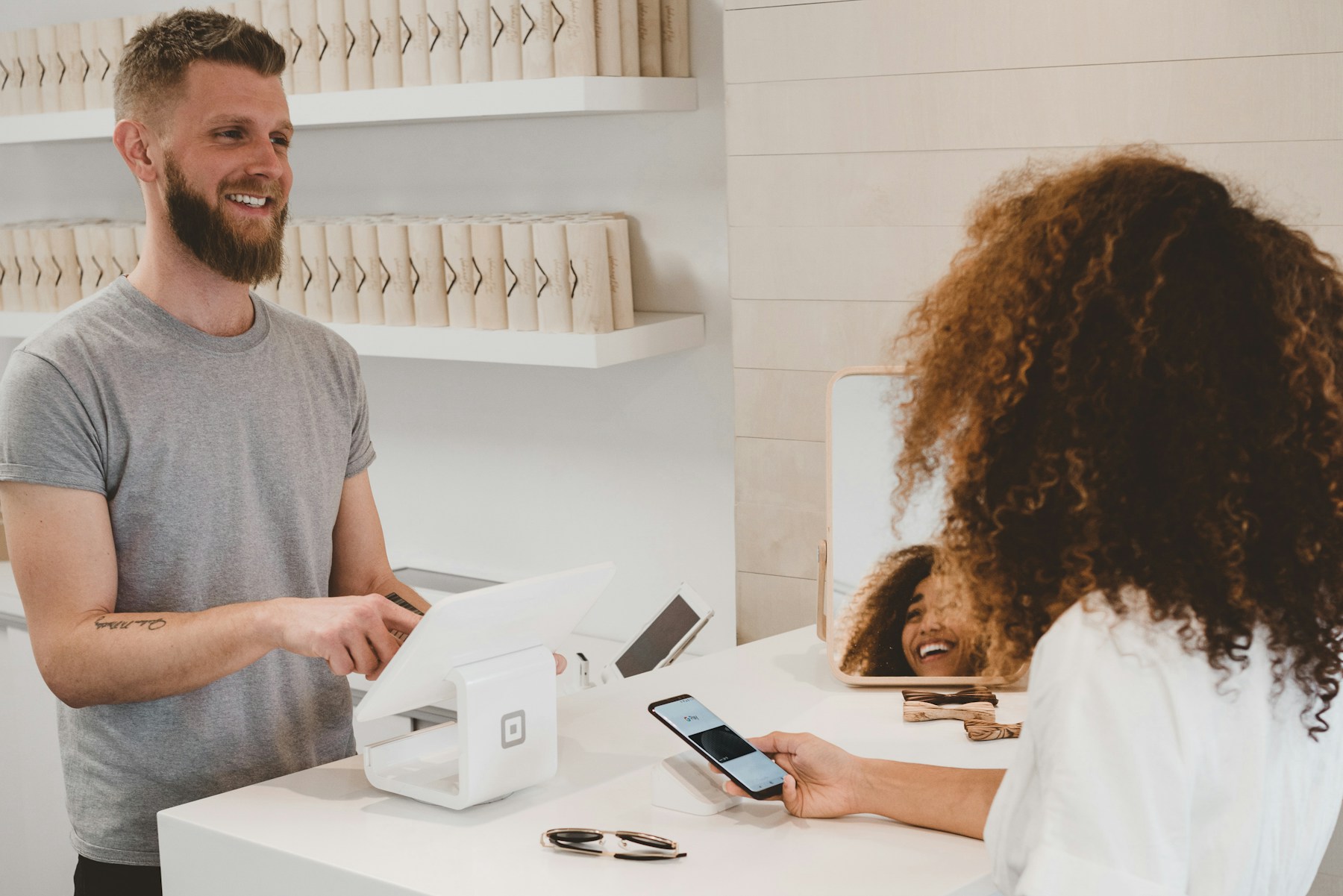
An appointments app is software that lets customers book a time with your business from their phone — in practice a browser-based page opened from a link, WhatsApp message or QR code, not something they download — while your side runs one live calendar of services, staff and slots with automatic confirmations, reminders and walk-in handling behind it. Choosing one well is less about feature count and more about two tests: can a customer finish a booking in under a minute without an account, and does the system survive your busiest hour without creating conflicts. This guide walks both tests, plus the reminder mechanics that decide no-shows and what the thing should honestly cost in India.
Key takeaways
- The customer should never download anything — link or QR to confirmed slot in a few taps.
- Reminders and UPI tokens, not reminders alone, are what kill no-shows.
- Walk-ins must merge into the same calendar as appointments.
- From ₹777/month with free booking volumes to trial on real rush — setup in ~2 minutes.
The booking app nobody downloads
The phrase "appointment booking app" carries an assumption that hurts conversion: that the customer installs something. Every install step is a place the booking dies — storage warnings, password creation, a verification code, and the simple fact that most people booking a salon slot or a clinic visit will not add an app for a single transaction. The apps that win in practice are the ones where "app" describes your side of the counter, not theirs.
On the customer side, the flow is a URL: in the Instagram bio, on the Google profile, in a WhatsApp reply, on the poster at the door. It opens the phone's browser, shows real availability, and takes the booking. Everything the customer would have installed — history, reminders, reschedule — arrives through channels they already live in. The category mechanics sit in our appointment booking app India guide; this piece is the selection framework.
What an appointments app should do
Behind the customer's five taps, four things must be true:
- Availability is enforced, not displayed. The slot is checked against staff, rooms and every other channel at the moment it is written. A calendar that "shows" free slots without enforcing them is how double-bookings happen.
- Service-aware slots. A 15-minute touch-up and a 60-minute consultation are different products with different calendars — the app must know the difference without staff calculating it.
- Confirmations and reminders fire automatically. If a human must remember to send the reminder, it will not survive a rush hour.
- Walk-ins have a path. Half your customers will never book ahead; the same system has to hold them without breaking the promised slots.
The five-minute setup test
Run this before you shortlist anything — on yourself, with your real services:
- Create the account and enter three real services with durations and prices (or not).
- Set working hours and slot lengths for one staff member.
- Publish the link and book from a second phone.
- Time it. If reaching a shareable, bookable link takes more than a few minutes, onboarding your front desk will take weeks.
The test also reveals the hidden complexity: products that bury slot rules three menus deep will not survive contact with a receptionist who changes hours every festival season.
Reminders decide no-shows
The commercial life of an appointments app is its reminder quality. Three layers, increasing in force:
- Confirmation immediately, with the booking details and a reschedule/cancel link.
- Timed reminder before the slot — WhatsApp or SMS in India, because those are actually read. Check the message quota on your plan against your booking volume.
- Skin in the game — a deposit or UPI token at booking for prime slots. A reminder reduces forgetfulness; a deposit removes casualness. Together they take no-shows from a tax you pay to a rounding error.
The UPI mechanics follow the pattern in our free Calendly alternative with UPI payment guide. For the walk-in half of the flow, see walk-in booking app India.
Appointments and walk-ins, one system
Two systems — booked in one tool, walk-ins in a register — is the most common failure in Indian service businesses. The reconciliation happens at the door, in front of the customer, and someone always loses. One system means: booked customers hold their slot through a grace window, walk-ins take the next free position, and both see the same honest order. For clinics, labs and counters where the queue is the product, that merge looks like the virtual queue system — appointments arrive as pre-claimed positions rather than a separate VIP list.
What it should cost
Indian cloud plans run from a few hundred to a couple of thousand rupees a month — SWIQ starts at ₹777, with the first 300 bookings free every month and a 14-day trial that needs no credit card, so your real rush tests the system before any payment. Beyond the headline price, check: the two-seat price, message quotas, payment features, and whether analytics sit on a tier you would actually buy. Larger teams move to the ₹1,777 and ₹2,499 plans as staff and locations grow. Questions: SWIQ or WhatsApp +91 79002 60076 (Jodhpur, Rajasthan).
A rollout that sticks
The tool only works if the front desk trusts it. Sequence: configure next week's real appointments first (so day one matches reality) to publish the link in bio, profile and WhatsApp to keep the old method as fallback for a week to watch staff questions, not dashboards to switch fully when the diary stops being consulted. Two weeks in, measure three numbers: bookings captured outside calling hours, no-show rate, and conflicts found. If conflicts go to zero and the first two move, the app earns its keep — and if the numbers don't move, you learned it in a fortnight for free.
Conclusion
The best appointments app disappears: customers book from a link or QR in under a minute with no download, the calendar enforces availability across appointments and walk-ins, reminders and UPI tokens keep no-shows honest, and setup takes minutes rather than a project. Test those five things on your own services before comparing feature grids — most of the field fails at least one. See the full flow at appointment booking and queue management software from SWIQ, or book a free demo with your real weekly schedule.
Practical next step: try booking with your own business from your phone as a customer would — from the Instagram bio, right now — and time the taps to confirmation. That number is the first thing any appointments app must fix.
Related SWIQ pages: Appointments app India · Book a free demo · appointment booking app India · free booking apps · WhatsApp booking · virtual queue system
Frequently asked questions
What is an appointments app?
An appointments app lets customers book a time with your business from their phone — usually through a link or QR code rather than a downloadable app — while your side keeps one live calendar of services, staff and slots with automatic confirmations and reminders. The best ones also handle walk-ins and queues for customers who arrive without booking.
Should customers download an app to book?
No. App-download funnels lose most customers at the install step. A browser-based booking page opened from a link, WhatsApp message or QR code works instantly on any phone, and the confirmation and reminder arrive through channels customers already use.
How does an appointments app reduce no-shows?
Three mechanisms: automatic reminders before the appointment (WhatsApp or SMS, timed from the booking), a deposit or UPI token at booking so the slot costs something to hold, and an easy one-tap reschedule path inside the reminder itself.
What should an appointments app cost in India?
Cloud plans typically start around ₹777 per month, with the first 300 bookings free on SWIQ and a 14-day trial that needs no credit card. Setup is about two minutes — no hardware, no customer app, no IT project.
See SWIQ in action
Run bookings, reminders, UPI deposits and walk-in queues from one appointments app.
Book a free demo