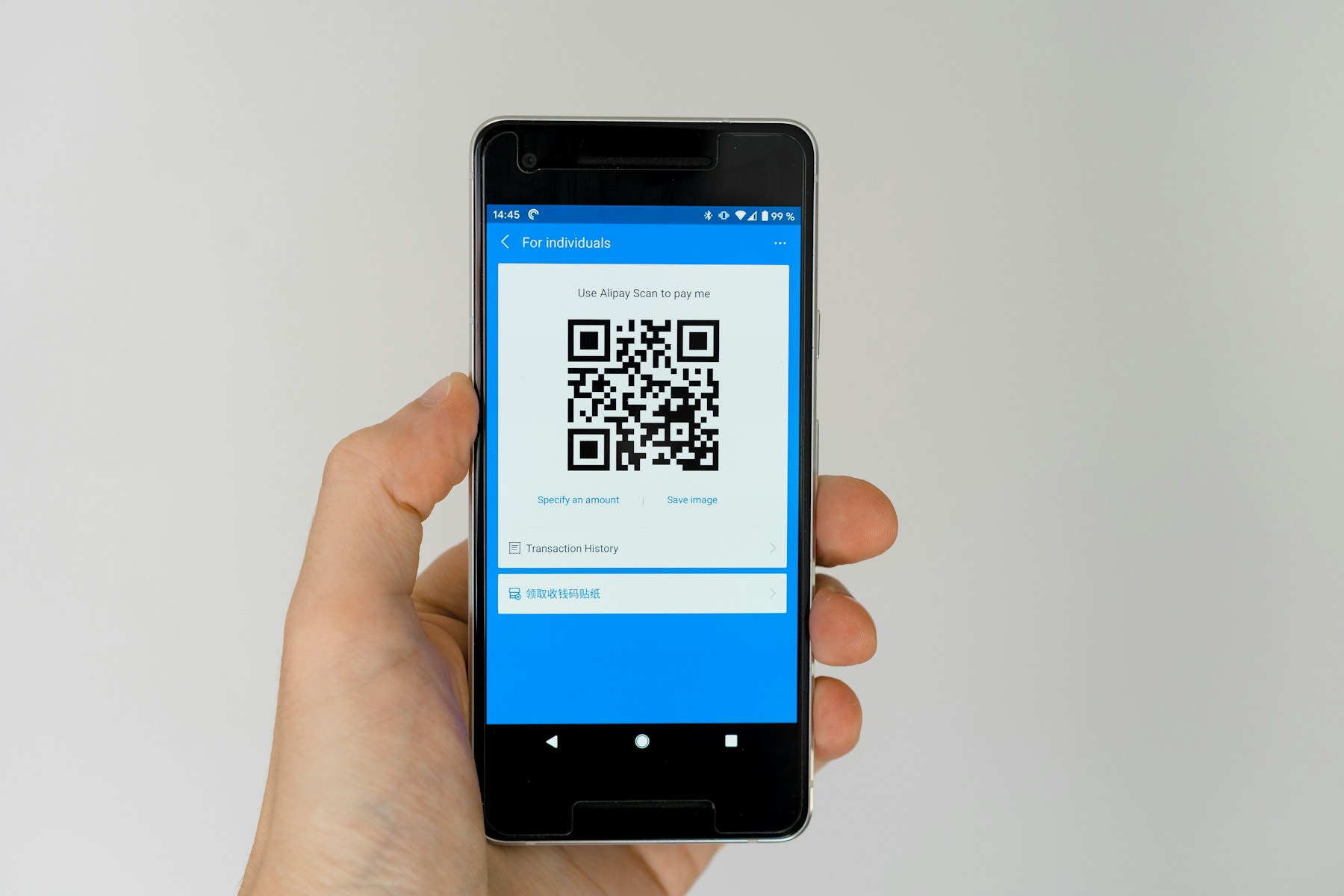
A booking link in instagram bio is the small piece of infrastructure that turns a profile view into a confirmed appointment: one destination, one tap, one slot held on your calendar. For Indian salons, clinics, studios and home services, the profile is often the first storefront a customer sees, and demand that ends in a direct message nobody answers at nine at night is demand you already paid for in attention. This guide covers what the link should open, the profile elements around it, how to track profile-to-booking, and a one-week setup plan.
Key takeaways
- One destination, one tap, no account creation before the slot is chosen.
- Confirmations and reminders belong on WhatsApp, not in the profile inbox.
- Track taps, started bookings and confirmed bookings as three numbers.
- Fix the booking page before you redesign anything in the profile.
What a booking link in Instagram bio does
The bio link is the one reliable clickable field most social profiles give you, which makes it the narrowest and most valuable piece of real estate on the page. Its job is a single transition: curious visitor to committed time.
- It removes the message queue. A profile that says DM to book turns every enquiry into a conversation you must answer manually, and conversations that arrive after hours simply do not convert.
- It commits the customer. Choosing a service and a slot is a different act from asking a question. The second one has a cost, and cost is what makes people come back to the decision later.
- It feeds one calendar. Booked from the profile, the appointment lands where walk-ins and phone bookings land too, so nobody double-books the same hour from two directions.
Done well, the link behaves like a staff member who never sleeps — the same pattern local teams use on their Google Business Profile booking setup, where the profile and the calendar point at each other.
From profile to confirmed booking
Follow the tap end to end. Four steps stand between a visitor and an appointment, and each one is a place you can lose them:
- Tap. The visitor opens the bio link from the profile — usually on mobile data, often standing up. The page has to appear quickly and clearly, with your services visible without scrolling past a hero banner.
- Choose. Service, then staff or counter, then an available time. Three decisions in a single scroll is a flow people finish; a form asking for their history before showing a slot is a flow people abandon.
- Confirm. Name and phone number, then submit. Every field beyond the two you need is a reason to close the tab.
- Receive. A confirmation on WhatsApp with a reschedule link, then a reminder before the visit — the part that keeps a booking made at midnight from being forgotten by morning.
The confirmation step is where Indian customers expect a message rather than an email, so the WhatsApp Business channel carries the receipt and the reminder, and the appointment survives the rest of the evening.
Choosing the destination
Three destinations are common, and the trade-off is always the same: flexibility against taps.
- A link hub. A page of eight buttons — menu, gallery, offers, booking. It works as an index, but it makes booking compete with everything else you publish, and it adds a hop before the calendar.
- Your website home page. Good for context, poor for intent. A visitor who already decided to book should not have to find the booking page inside your site.
- The booking page itself. Services, availability and confirmation in one screen. This is what a decided visitor wants, and it is the destination that converts profile traffic.
If you keep a hub for everything else, make the booking button the first and largest item on it. The same logic applies to a WhatsApp-first flow: the appointment booking with WhatsApp pattern works when the message opens straight into a slot list rather than a chat you have to staff.
Profile elements that support the link
The link does not work alone. Four profile elements decide how many people reach it:
- The bio line. Say what is bookable and how fast — a service promise in one sentence beats a brand adjective. People read the first line and decide whether the link is for them.
- Highlights. Keep services, prices, location and timings a tap away, so the link click is a decision made with information rather than a guess.
- Consistent handle and location. Customers search the name they heard from a friend. NAP consistency across your profile, listing and booking page is the same discipline local search rewards — Google's Search documentation sets out how that information should be published consistently.
- Pinned proof. One recent post or reel that answers the question people ask at the counter — price, duration, parking — keeps the profile answering while you work.
Profile work compounds with the booking page: the appointment booking app flow assumes the customer arrives already knowing what they want.
Tracking profile to booking
You cannot improve what you cannot separate. Track three numbers weekly, in this order:
- Taps on the link. Interest created by the profile. If this is low, the fix is the bio line, the highlights and the content — not the booking page.
- Bookings started. People who opened the flow and picked a service. A large drop here means the page is slow, confusing, or asking for too much before showing times.
- Bookings confirmed. Appointments that made it onto the calendar. The gap between started and confirmed is your page's problem, and the gap between confirmed and attended is your reminder's problem.
Label the link with a source so bookings from social carry their origin into the calendar, then compare it with what your queue analytics dashboard shows for walk-ins and calls. A fortnight of these three numbers tells you more than a redesign decided by taste.
Mistakes that leak demand
Most lost social demand is lost in one of six ways:
- Link to the home page. The visitor was one tap from booking and is now four, on a page written for people who were not decided yet.
- Ask for registration first. Account creation before availability is the fastest way to convert a decided visitor back into a browser.
- Live in the inbox. DM-only booking caps you at the hours you reply and loses every message that arrives during a busy afternoon.
- Publish stale slots. A link that offers times you cannot staff creates a cancellation conversation, which is worse than no link at all.
- No confirmation or reminder. The booking exists in your calendar and nowhere in the customer's memory.
- Forget the offline handover. Customers who reach you from the profile in person should still receive the same confirmation, or your numbers will never reconcile.
Salons see this most clearly through the salon walk-in queue app pattern, where social traffic arrives as footfall and has to enter the same order as everyone else.
A one-week setup plan
- Day one: decide the destination and strip the flow to three decisions — service, staff, time — plus a phone number.
- Day two: load services, hours and slot lengths, and make sure the calendar rejects double-booking from any other channel.
- Day three: rewrite the bio line as a bookable promise, refresh the highlights, and point the profile link at the page.
- Day four: test from another phone end to end, including the WhatsApp confirmation and the reschedule link, and time the first tap to slot.
- Days five to seven: record taps, starts and confirmations daily, then fix the weakest step before touching the profile again.
At SWIQ the setup takes about two minutes: services and hours go in, the booking link goes live, and every appointment from social lands on the same enforced calendar. The first 300 bookings are free every month, the 14-day trial needs no credit card, and plans start at ₹777 per month, then ₹1,777 and ₹2,499 per month as you add staff and branches.
Conclusion
A booking link in instagram bio earns its place when it is the shortest path from a decided visitor to a confirmed slot: one destination, three decisions, a WhatsApp confirmation and a calendar that already knows about your walk-ins. Rewrite the bio line, point the link at the booking page, and watch taps, starts and confirmations as three separate numbers. Start at appointment booking and queue management software from SWIQ or book a free demo and put your own profile through the flow.
Practical next step: open your profile on someone else's phone, tap the bio link and count the seconds and steps until a slot is selected. Anything past three decisions is where your social demand is quietly leaking.
Related SWIQ pages: Booking links for social profiles · Book a free demo · Appointment booking app India · WhatsApp booking · QR code booking for walk-in customers · Appointment booking software with WhatsApp
Frequently asked questions
What should the booking link in my bio open?
Open a booking page directly: services, staff and available times on one screen, with no account creation and no extra menu between the tap and the slot. Every extra hop between the profile and the calendar costs a share of the people who were ready to book.
How do I turn profile views into confirmed appointments?
Make the promise in the bio line, keep the link one tap away, and let the customer pick service and time without registering. Confirmation and reminders then arrive on WhatsApp, so the booking survives the walk back from the profile to the rest of their evening.
How do I know the link is working?
Track taps, bookings started and bookings confirmed as three separate numbers each week, and compare them with the calls and messages you receive from social profiles. If taps are healthy but confirmations are not, the problem is the booking page rather than the profile.
What does SWIQ do with social traffic?
SWIQ gives the profile one booking link that writes to a single enforced calendar, confirms on WhatsApp and reminds before the visit. Setup takes about two minutes, the first 300 bookings are free every month, and plans start at ₹777 per month with a 14-day trial and no card.
See SWIQ in action
Put the link in the bio and watch a profile visit arrive on your calendar with a confirmation already sent.
Book a free demo