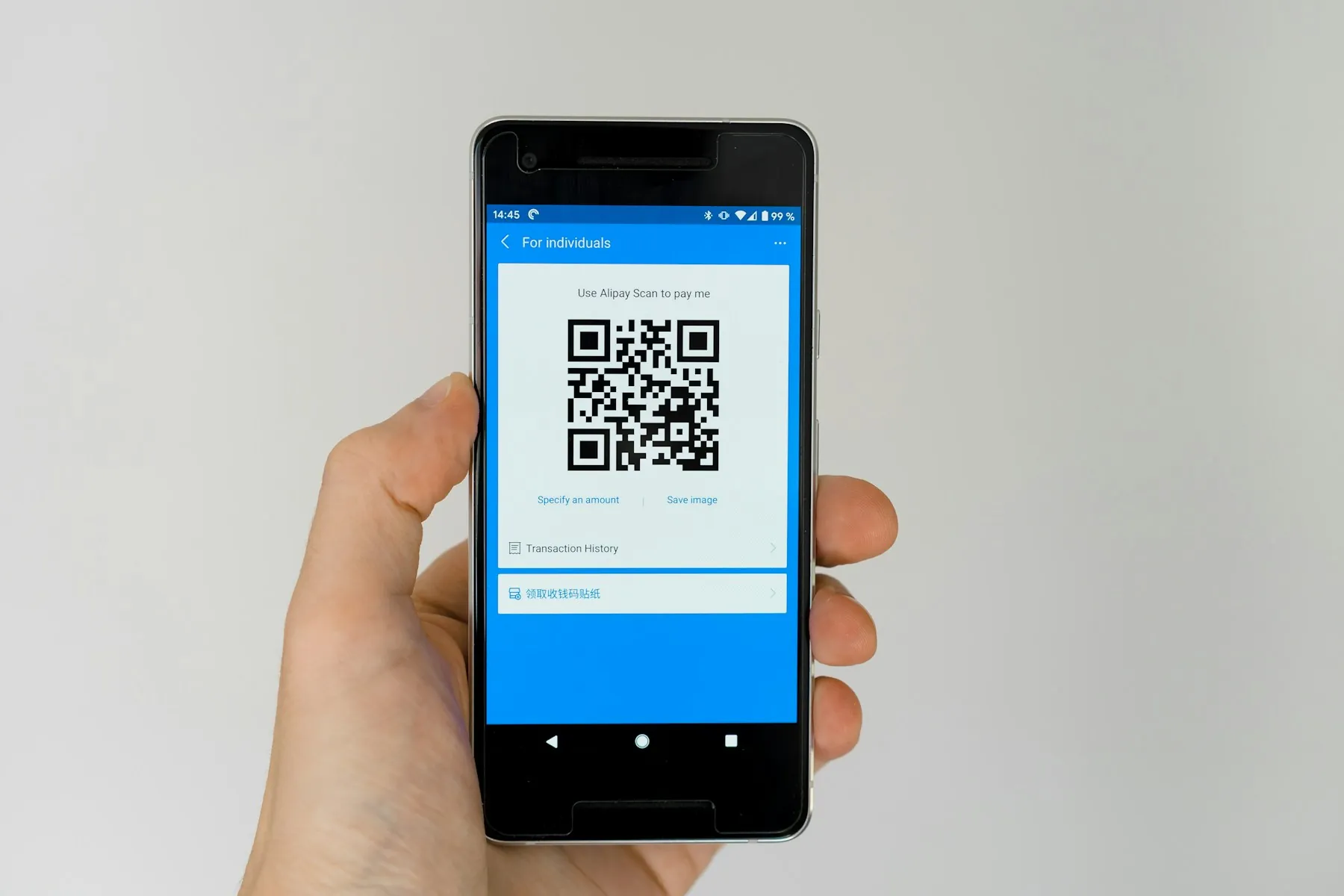
QR code booking for walk-in customers takes the first thirty seconds of a visit — the moment someone pushes your door open — and turns them into a seat instead of a second body in the line. A poster at the entrance, a scan, a token number with an estimated wait, and the customer sits down while your staff keep calling from one ordered queue. This guide covers the full door-to-counter flow: where the codes go, what the scanned page must show in its first screen, how to serve customers who do not use a smartphone, how to think about abuse and no-shows, and how to measure whether counter crowding and your walk-in-to-booked ratio actually improved.
Key takeaways
- Put the code where the queue forms, not behind the queue.
- The scanned page must show the live wait and one action in the first screen.
- A printed token at the desk must join the same queue as scanned tokens.
- Measure crowding and walk-in-to-booked ratio, not just scan counts.
Why the queue starts at the door
Counter crowding is rarely caused by slow service alone. It starts earlier, at the entrance, with a customer who has no idea how many people are ahead of them. Uncertain people do not sit down: they stand near the counter, ask every few minutes whether their turn is close, and send a family member to check, and each of those movements adds pressure to the staff member who is calling the next person. Within twenty minutes a modest waiting room looks full even when half the seats are empty.
Every Indian business owner already understands this pattern, because QR codes became ordinary through payments. A standee with a code is scanned without hesitation today in a way that a request to "please fill this register" never was, and customers now arrive expecting a code at the door to do something useful. A queue management system built around that expectation removes the guesswork: the customer learns their position before they reach the counter, and the room stops filling with people who are merely anxious.
How qr code booking for walk-in customers works
The flow has five steps, and each one has to be obvious without staff explanation:
- Scan. The customer points their phone camera at the code on the door or standee. No app install, no login, no typing a long web address.
- Choose. The page offers two clear options — join the live queue now, or book the next available slot today — plus the branch address in case the scan was made at the wrong outlet.
- Confirm. A name or mobile number, one tap, and the token is created with a position and an estimated wait.
- Wait seated. The token appears on the waiting-room display and on the customer's phone. Updates arrive as the estimate changes, so nobody has to ask the desk.
- Called. The counter calls the next token in order. The customer walks up, is served, and the token closes.
Two design choices make or break this. First, pre-booked appointments and QR walk-ins must land in the same ordered sequence — if a scanned customer watches a booked customer cut ahead without explanation, the system has created a new argument instead of removing the old one. Second, the estimate must be honest. A quoted wait that is quietly wrong destroys the trust that let the customer sit down in the first place. Our walkthrough of appointment booking with a live token shows how the estimate is recalculated as tokens close.

Where to place your QR codes
Placement matters more than design. A beautiful code behind the queue helps nobody, because by then the customer is already standing. Put codes at four points: the entrance door or gate, the front of any queue line, the reception counter, and the waiting area near the seats. Each point serves a different moment — the door catches people before they commit to standing, the line catches people who already have, the counter catches the accompanying family member, and the waiting area catches people who scanned once and want to re-check their position.
Physical details decide whether people actually scan. Keep codes at chest height, at least a metre across for door posters so a phone can read them from arm's length, with a quiet zone of clear margin around the code and one short instruction — "Scan to take your token" — in text larger than your logo. Print on matte material to avoid glare from tube lights, and test every code from both directions before you laminate it. One instruction per code: a code that also advertises your offers, your WhatsApp handle, and your timings usually gets scanned by nobody.
What the landing page must show
The scan lands a customer on a page that must earn a decision in about five seconds. The first screen carries six things: your branch name and address, the current token being served, the estimated wait right now, one primary button, the two choices of joining now or booking a slot, and a phone number as a fallback. Everything else — your history, your full test menu, your photo gallery — belongs below the fold, where it will not slow the decision.
Technical behaviour matters as much as layout. The page has to open fast on mobile data, work without an app install, and stay usable if the customer's connection drops mid-booking with a clear recovery path. If you also publish booking information on your website or Business Profile, make sure the destination matches what Google expects of a booking link; Google's guidance on booking link policies explains the requirement. The same clarity applies to the structure of the page itself — schema.org definitions are a useful reference when you want search engines to understand that this is a booking page. And keep the copy identical to what is printed on the poster, so the customer recognises instantly that the scan worked.

Customers without a smartphone
Any QR-only flow quietly excludes part of your customers: elderly visitors, people with a dead battery, delivery and driver staff booking on behalf of someone else, and anyone who simply does not want to scan a code at your door. If those customers cannot get a token, they will do what they always did — walk to the counter and ask — and you will be back to a crowded desk within a week.
The fix is a manual token path that feeds the same queue. Reception keeps a small stack of printed tokens; the staff view has an "add walk-in" action that takes ten seconds; and the number issued at the desk sits in exactly the same sequence as tokens created by a scan. The display, the call order, and the estimated wait never diverge between the two channels. What changes is only how the customer entered. Train the desk to offer it rather than wait to be asked — "you can scan there, or I can give you a token here" — and both groups flow into one line. This is the operating pattern behind our guide to the clinic booking system, where appointments, scans, and walk-ins share a single front-desk view.
Fraud, abuse, and no-shows
An open scan link is a public link, so it will occasionally be used in ways you did not intend. Common cases are modest rather than dramatic: a code pasted into a group chat brings twenty tokens from one person, one visitor books tokens for a whole family who arrive an hour later, a customer scans from outside and then walks away, or someone uses a stale code from an old poster. Each case inflates your quoted wait and erodes the trust the system runs on.
Handle them with rules rather than suspicion. Cap the number of active tokens per mobile number during peak hours, expire tokens that are not checked in within a chosen window, allow one free cancellation per booking, and require the token holder to be present when it is called. If your flow takes any payment or holds a deposit at the scan step, keep it on recognised rails and remind customers never to share one-time codes; the Reserve Bank of India publishes plain rbi.org.in guidance on digital payment safety that is worth linking in your terms. No-shows are handled the same way — a reminder before the slot and an easy cancel option will always beat chasing people who have already left.
Measuring success
Run your qr code booking for walk-in customers for a month, then read five numbers against the same month before launch:
- Counter crowding — average people physically standing at the counter per hour. This is the number the whole exercise exists to lower.
- Walk-in-to-booked ratio — scanned or token walk-ins compared with appointments, by hour. A healthy shift shows walk-ins moving away from the peak hour rather than only growing in total.
- Scans per day and scan-to-token rate — how many scans become a real token. A low rate means the landing page is losing people at the first tap.
- Quoted wait versus actual wait — if the estimate is consistently short, customers stop trusting it and return to the counter.
- Asks-for-help rate — the share of scanned customers who still approached staff. Falling each week means the page is genuinely self-explanatory.
Read them weekly rather than monthly, because placement problems are cheap to fix in week one and expensive to discover in month three. Move a code, watch the scans; change the button text, watch the scan-to-token rate.
Conclusion: from door to counter in under a minute
The door is where crowding begins, and a code is the cheapest tool you have for stopping it there. Place the QR where the queue forms, show the live wait and one action on the first screen, keep a printed-token path for customers without a smartphone, set simple rules against abuse, and watch counter crowding and your walk-in-to-booked ratio every week. Done properly, qr code booking for walk-in customers takes someone from scanning to seated in under a minute and walks them up only when their token is called — which is exactly what queue management and appointment booking software from SWIQ is built to do. Book a free demo and we will place the codes, the page, and the queue for your counters.
Practical next step: stand at your entrance for one busy hour and count how many people queue before they sit. That number, repeated next month, is your baseline for qr code booking for walk-in customers.
Related SWIQ pages: Queue management software India · Book a free demo · queue management system · appointment booking with live token
Frequently asked questions
What is qr code booking for walk-in customers?
It is a flow where a poster or standee QR code at the entrance opens your booking page on the customer's phone. The customer either joins the live queue or books the next free slot, then receives a token number and an estimated wait without ever queuing at the counter.
Where should a business place its booking QR codes?
Place them where a queue forms: the entrance door, the front of the queue line, the reception counter, and the waiting area. Codes should sit at chest height, be large enough to scan from a metre away, and carry one short instruction such as 'Scan to take your token'.
What should the QR landing page show?
The branch name and address, the live queue or next available slots, one primary action, the current token being served, the estimated wait, and a phone fallback. It should load fast on mobile data, require no app install, and be clear within the first screen.
How do you serve customers without a smartphone?
Keep a manual token path at the desk. Reception issues a printed token that joins the same ordered queue, so the display, the staff view, and the call order stay identical whether the token was taken by QR scan or by hand.
How do you measure QR booking success?
Track counter crowding — people standing at the counter per hour — the walk-in-to-booked ratio, scans per day, average wait quoted at scan versus the wait actually measured, and the share of scanned customers who still asked staff for help. Review weekly for a month.
See SWIQ in action
Entrance QR codes, live queue join, token display, honest wait estimates, and one ordered queue for scans and walk-ins.
Book a free demo