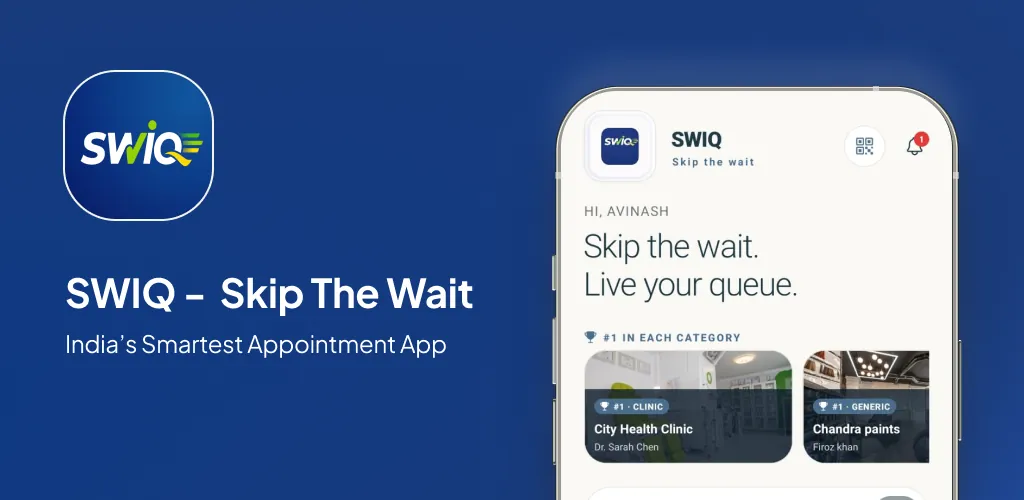
WhatsApp queue management system solutions use WhatsApp as the communication channel for queue updates. Customers receive queue positions, delay notifications, and turn alerts through WhatsApp messages instead of push notifications or SMS.
Key takeaways
- WhatsApp is a communication channel, not a queue management platform.
- WhatsApp cannot provide real-time queue tracking, staff dashboards, or analytics.
- SWIQ combines dedicated queue management with WhatsApp notifications for the best of both worlds.
- Use WhatsApp as a notification channel, not as your queue management system.
What a WhatsApp queue system can and cannot do
WhatsApp can send queue position updates, booking confirmations, and delay notifications. Customers prefer WhatsApp because they already use it daily — no new app to download, no new interface to learn.
But WhatsApp cannot display a live queue position, provide a staff dashboard, track service times, manage walk-in customers, or generate analytics. It is a messaging tool, not a queue management platform.
Businesses that try to use WhatsApp as their primary queue management system end up with manual workarounds — staff sending messages manually, no real-time queue display, and no data for business decisions.
Why WhatsApp alone is not enough
No real-time queue display. WhatsApp messages are linear — you cannot display a live queue position that updates in real time. Customers receive a message when you send it, not when the queue changes.
No staff dashboard. WhatsApp Business does not provide a dashboard for managing queues. Staff would need to manually track queue order in spreadsheets or chat groups.
No analytics. WhatsApp does not track service times, peak hours, no-show rates, or queue flow patterns. Without data, you cannot optimize your operations.
No walk-in handling. WhatsApp requires a phone number to send messages. Walk-in customers without a WhatsApp account cannot join the queue.
How SWIQ combines queue management with WhatsApp
WhatsApp as a notification channel. SWIQ sends queue updates via WhatsApp alongside push notifications and SMS. Customers receive their preferred notification type on their preferred platform.
Dedicated queue management. SWIQ provides the real-time queue tracking, staff dashboard, analytics, and walk-in handling that WhatsApp cannot. WhatsApp is the communication layer; SWIQ is the queue management platform.
Automated messages. SWIQ sends WhatsApp notifications automatically when queue status changes. No manual message sending. No staff intervention. The system handles everything.
Who should use this guide
This guide is for business owners who are considering WhatsApp as a queue management solution or who want to understand how to combine WhatsApp with proper queue management software.
Capacity planning comes first
Whether you use WhatsApp, a dedicated queue app, or both, capacity planning is essential. Map your real capacity before setting up your queue system.
Design the complete customer journey
The queue experience should include WhatsApp notifications at key touchpoints — booking confirmation, queue join, delay update, and turn arrival. But the underlying queue management must be handled by dedicated software.
Build a daily operating workflow
Staff should use a dedicated queue dashboard for queue management. WhatsApp should handle customer communication, not queue control.
Make delays visible and useful
SWIQ sends delay notifications via WhatsApp automatically. Customers receive real-time updates on their wait time without staff manually sending messages.
Smart notification strategy
Use WhatsApp for high-priority notifications — turn arrival, significant delays, and booking confirmations. Use push notifications for routine updates. This balances customer preference with notification cost.
Protect privacy by design
WhatsApp end-to-end encryption protects message content. SWIQ stores queue data on encrypted servers and does not share customer information with third parties.
A practical implementation plan
Week 1: Set up SWIQ queue management and WhatsApp notification channel. Week 2: Test with internal team. Week 3: Go live. Week 4: Review analytics and optimize notification settings.
Measure outcomes that matter
Track notification delivery rates, customer response rates, queue flow, and satisfaction. WhatsApp notifications typically have higher open rates than SMS or email.
Common mistakes
Mistake 1: Using WhatsApp as the queue management system instead of a notification channel. Mistake 2: Not automating WhatsApp messages. Mistake 3: Ignoring analytics because "WhatsApp handles everything."
WhatsApp vs. dedicated queue apps
WhatsApp excels at messaging but cannot replace queue management software. The best approach is to use dedicated queue management software (like SWIQ) with WhatsApp as the notification channel. This gives you real-time queue tracking, staff dashboards, analytics, AND customer-preferred communication.
A realistic first 30 days
Days 1-3: Set up SWIQ and WhatsApp channel. Days 4-7: Testing. Days 8-14: Live operations. Days 15-21: Optimize notification timing. Days 22-30: Review analytics and adjust.
Practical next step: map your real availability, booking, walk-in, delay, and staff workflow before choosing software. Technology should simplify that flow rather than force every business into the same calendar.
Useful official resource
For additional context, read SWIQ product features. External references are selected to help readers verify platform, policy, or public digital-service information relevant to this guide.
Frequently asked questions
Can I use WhatsApp as a queue management system?
WhatsApp can handle basic queue communication, but it lacks real-time queue tracking, automated token assignment, staff dashboards, and analytics. It works as a supplement, not a replacement for proper queue management software.
What are the limitations of WhatsApp for queue management?
WhatsApp cannot provide real-time queue position display, automated delay notifications, staff dashboard access, analytics reporting, or integration with booking systems.
How does SWIQ integrate with WhatsApp?
SWIQ sends queue notifications and booking confirmations via WhatsApp alongside push notifications and SMS. This gives customers their preferred communication channel while maintaining proper queue management.
Is WhatsApp queue management free?
WhatsApp Business API has costs per message. SWIQ's queue management features are available on a free plan, with WhatsApp notifications included on paid plans.
Can I send queue updates via WhatsApp?
Yes. SWIQ can send queue position updates, delay notifications, and turn arrival alerts via WhatsApp. Customers receive updates on their preferred messaging platform.
See SWIQ in action
Explore provider-controlled availability, QR booking, live tokens, delay tracking, staff access, and enterprise dashboards.
Launch the SWIQ web app