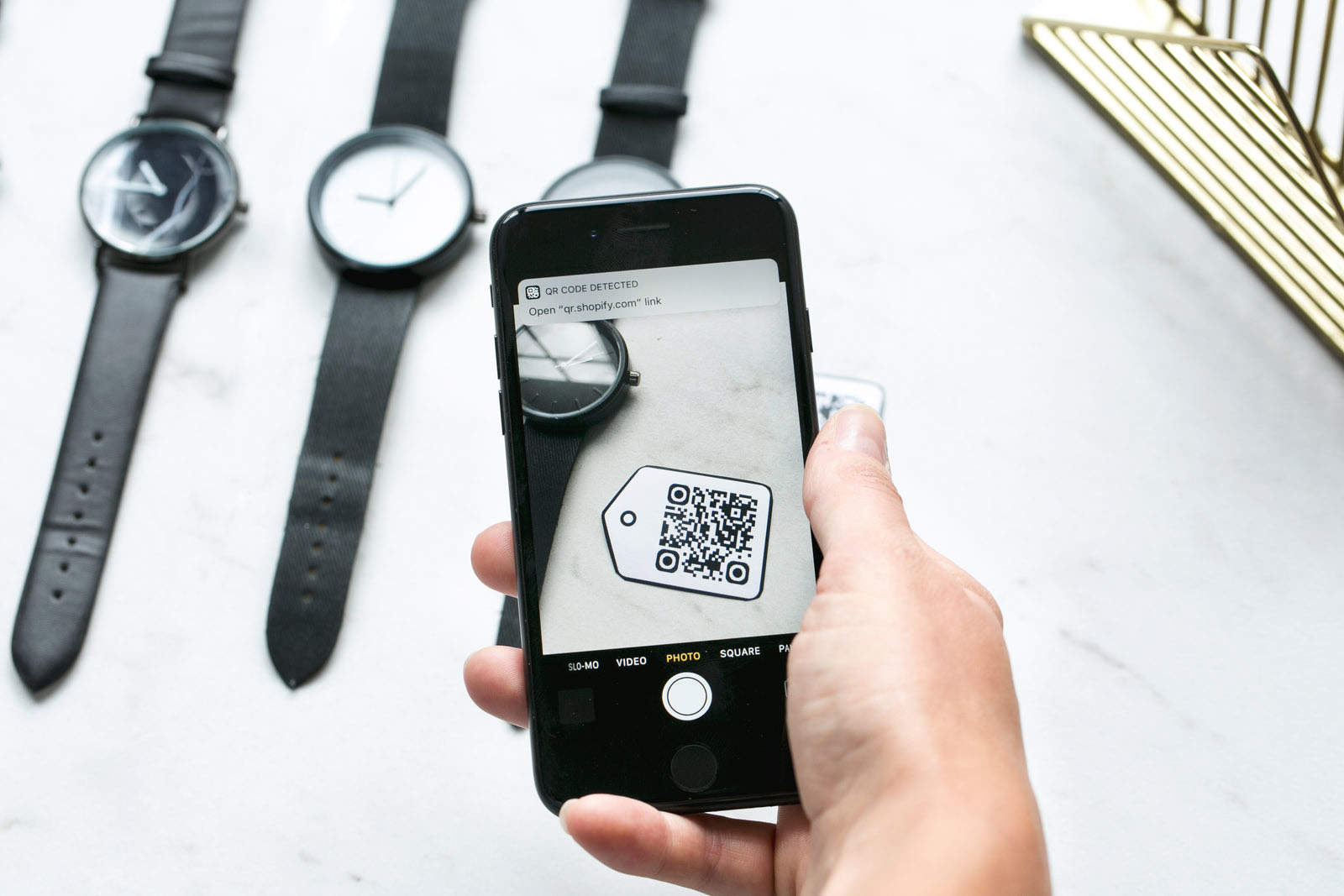
QR ordering wait time restaurant operators hoped would disappear with paper menus has mostly just changed shape. The host still seats a party of four, the table still scans, and then a new set of delays begins: a slow-loading menu, a party arguing over one phone, a payment screen that needs an account, and a server who now has three separate reasons to walk over. QR ordering removes some waiting and quietly adds other kinds. Where the seconds go, what to measure, and which design decisions separate restaurants where it works from those where guests simply leave is what follows.
Key takeaways
- QR ordering removes the wait for a server's attention but adds a menu-loading and decision wait that most restaurants never measure.
- Measure scan-to-order-submitted as one number and seat-to-food as another; conflating them hides whether the technology helped.
- One shared phone per table is the single most common failure -- design the menu for a table, not for a single user.
- Order accuracy improves with QR ordering, which cuts the wait caused by sent-back dishes and remade tickets.
- The kitchen, not the menu, sets most of the remaining wait -- speed up ordering and the queue just moves to the pass.
What QR ordering actually changes at the table
QR ordering changes who waits for whom. Without it, the sequence is scan the room, catch a server, order, wait for the server to reach the kitchen. With it, the guest starts the order the moment the food-ordering intent forms, and the server's first visit becomes a drink refill or a check rather than a gate. For restaurants where the bottleneck was servers being unavailable during a rush, that is a real and measurable gain, and it shows up as shorter seat-to-first-item times on busy nights.
What it does not change is the ordering work itself. Somebody at the table still has to read the menu, compare dishes, decide on drinks and find the payment method. On a table with one phone, that work now happens on a device that belongs to one person while three others lean in. Restaurants that measured before and after usually report the same pattern: the wait for attention fell, the wait for the table to finish ordering did not, and guests who disliked the experience describe it as friction, not speed.
The honest summary is that QR ordering redistributes waiting rather than deleting it -- from staff attention to guest effort and menu design.
Where the seconds actually go after the scan
Break the interaction into its parts and the delay concentrates in four places. The first is the scan itself: a code placed under glass at a bad angle, or one that opens a browser tab requiring a location permission, routinely costs 10 to 20 seconds before anything appears. The second is the menu load, which on a photo-heavy page over a crowded dining room's wifi can take several seconds and feels like several minutes.
The third is the decision phase, which is the same as always except that the menu is now scrollable, personalised with upsells, and shared across a table that only has one screen. Guests also lose the server's contextual help -- "the fish is lighter than the pasta" -- so they compensate by reading everything, which lengthens the very phase QR ordering was meant to speed up. The fourth is payment: forcing account creation, a tip screen before the order is sent, or a redirect to a payment gateway is where the most abandonment happens, because guests have not yet received anything and the commitment feels large.
Measuring QR ordering wait time in five numbers
Five measurements separate a restaurant that improved from one that merely changed. Collect them for two weeks on comparable nights before deciding anything -- a single Saturday proves nothing about a system, and neither does a slow Monday.
- Scan-to-menu-loaded. Time from the phone's camera to a fully rendered menu. Target single-digit seconds. Anything above ten is a network or page-weight problem, not a customer problem.
- Scan-to-order-submitted. The table's ordering time. Compare it against the old server-takes-order time on equivalent nights, not against zero.
- Seat-to-first-item. The number guests actually feel. If this has not moved, the ordering layer was never the constraint.
- Order accuracy rate. Sent-back items per hundred orders. QR ordering tends to improve this because guests read descriptions themselves, and fewer remakes means fewer queues at the pass.
- Human-help requests per table. How often a server is flagged to place the order anyway. A high rate means the menu design, not the technology, is failing.
Read the five as a chain rather than as a scoreboard. A fast scan with a slow seat-to-first-item tells you ordering was never the bottleneck; an accurate order with a long seat-to-first-item points at the kitchen. The useful output of two weeks' data is one sentence -- our wait is caused here -- and one decision to match it.
Six design decisions that decide table-ordering speed
These are configuration choices rather than purchases, and all six can be changed in an afternoon. Applied together they are usually the difference between a table that orders in four minutes and one that abandons the scan and flags a server.
- Open straight to the menu. No landing page, no app install prompt, no location request -- one redirect, then food.
- Let anyone at the table order. Session links that let each phone add to one shared cart remove the one-phone bottleneck.
- Keep the page light. Compressed photos and a text-first layout load on restaurant wifi when a full-bleed gallery will not.
- Send the order before payment friction. Pay-at-table or card-on-file beats an account wall before the guest has been served.
- Show a running status. 'Order received -- about 14 minutes' turns an unknown wait into a known one.
- Keep a human path visible. A visible 'flag your server' control prevents silent frustration from guests who cannot make the tech work.
Notice that four of the six cost nothing but a decision, while the other two need only the ordering platform's existing settings. The common thread is that the guest should never be doing the system's job: waiting for a page, hunting for a login, or guessing whether the order went through. Every one of those moments reads as a wait, and guests count them even when the kitchen clock does not.
Why the kitchen, not the menu, sets the real wait
Speeding up ordering has a ceiling: once orders arrive at the pass faster, the constraint moves downstream. Tickets bunch at the same moment the table ordered, because everyone orders within minutes of sitting down. Kitchens that did not anticipate this see the pass queue grow while the front of house congratulates itself. The countermeasure is familiar from any service line -- stagger the release. Courses leave in waves, and a kitchen that knows a table ordered at 7:06 rather than "whenever the server got there" can pace itself properly instead of reacting to a wall of tickets that all arrived at once -- which is how a ten-minute promise becomes twenty-five minutes for the table that ordered first.
For the wider picture on what guests tolerate before they start getting restless, see restaurant customer wait time statistics, and for the measurement discipline behind the five numbers above, queue measurement basics. The restaurants that get QR ordering right treat it as a change to the service sequence rather than a replacement for service: faster ordering, honest status, and staff freed for the parts of the evening guests actually remember.
Frequently asked questions
Does QR ordering actually reduce wait time in restaurants?
It reduces the wait for a server's attention and often improves order accuracy, but the table still spends time loading menus, deciding and paying. Most restaurants see seat-to-first-item improve only when ordering was the true bottleneck; where the kitchen was the constraint, the wait simply becomes visible there instead. The honest view of QR ordering wait time is that it trades attention waits for menu and payment waits.
Why do guests complain about QR menus even when they are fast?
Because the complaint is rarely about speed. Guests object to scanning to see a menu, to sharing one phone, to being asked for an account or a tip before ordering, and to losing the small human interaction of being greeted. Fix the friction points and acceptance improves sharply.
Should a restaurant drop servers when it adds QR ordering?
No. The restaurants that get the worst results use QR ordering as headcount reduction and watch hospitality disappear within a month. The better model keeps servers for pacing, drinks, questions and recovery, while ordering and payment happen at the table without waiting for a visit. Guests remember the human parts of an evening, not the menu interface.
How do I price and design a menu for a phone screen?
Short sections, clear photos on a few signature dishes, descriptions under two lines, and honest prices without decoy anchoring tricks. Guests decide faster when the first screen answers three questions: what this place is, what the signature dish is, and what it costs. A menu that needs two scrolls and a pinch-zoom has already lost a minute.
Is QR ordering worth it for a full-service US restaurant?
It is worth it where the pain is servers being unavailable or tickets being mis-keyed, and least worth it where guests come precisely for attentive service. A two-week pilot on the busiest section, measuring scan-to-order and seat-to-first-item, answers the question for your room instead of for the industry.
See SWIQ in action
SWIQ connects QR ordering, wait estimates and table status into one view, so US restaurants can see where the seconds go before guests decide to leave.
Launch the SWIQ web app