
photography studio booking is increasingly important for businesses that want to manage appointments, reduce waiting confusion, and keep customers informed. Learn how photography studios use booking software to manage session slots, equipment scheduling, client preparation, and booking confirmations. This guide covers the essential features, workflows, and practical steps for implementing effective booking software.
Key takeaways
- Match appointment types with appropriate time slots and provider expertise.
- Use automated reminders to reduce no-shows and improve attendance.
- Provide live status updates so customers know when to arrive.
- Track outcomes to improve scheduling and service quality.
Why photography studios need booking software
Photography studios juggle multiple session types: portraits, product shoots, events, headshots, and creative projects. Each type requires different time allocations, equipment setups, and studio configurations. Without structured booking, double-bookings, equipment conflicts, and miscommunication create stress for both photographers and clients.
Booking software eliminates these problems by showing real-time studio availability, enforcing equipment-specific constraints, and sending clients everything they need before the session. A professional booking experience also sets the tone for the client relationship, showing that the studio is organized and values their time.
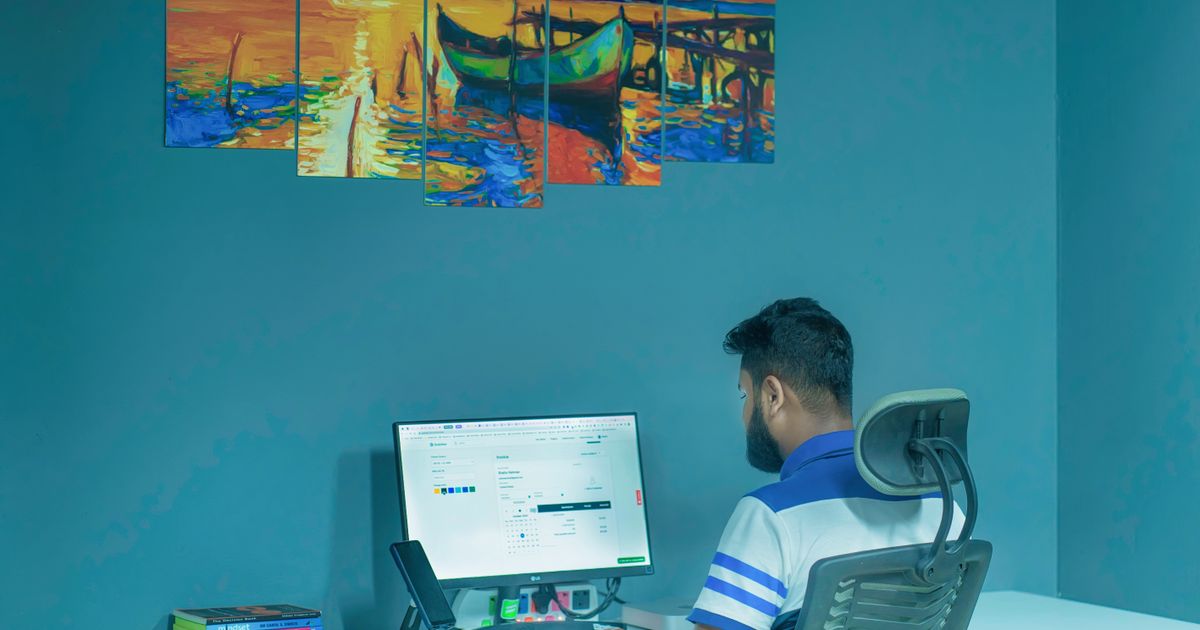
Session types and time blocking
Different photography sessions require vastly different time blocks. A passport photo takes fifteen minutes; a family portrait session takes an hour; a product shoot may take three hours. Booking software must handle variable session durations and prevent gaps that are too small to be useful.
Time blocking also accounts for setup and teardown time. A product photography session needs thirty minutes before the client arrives for lighting setup and thirty minutes after for equipment cleanup. The booking system should block these preparation periods automatically so the studio is never overcommitted.
Equipment and room scheduling
Studios with multiple rooms or specialized equipment need scheduling that accounts for physical resources. If Room A has the infinity wall and Room B has the product table, the booking system should show which rooms are available for which session types. Equipment availability adds another layer: a specific camera, lens, or lighting kit may be needed for certain shoots.
Resource-based scheduling prevents conflicts and helps staff prepare the correct room in advance. When a client books a headshot session, the system should automatically reserve the appropriate room and notify staff to prepare the backdrop and lighting setup.
Client preparation and pre-session communication
Photography sessions work best when clients arrive prepared. Send automated messages after booking with location details, parking instructions, what to wear, what to bring, and when to arrive. For product shoots, include setup guidelines and product preparation tips.
Pre-session communication also handles practical matters: studio address, cancellation policy, rescheduling instructions, and any required forms or releases. Reducing back-and-forth emails saves time for both the studio and the client.
Managing rebookings and seasonal demand
Photography demand fluctuates with seasons and events. Wedding season, holiday card portraits, and corporate annual reports create booking spikes. A booking system with capacity controls prevents overcommitting during peak periods while keeping the schedule filled during quieter months.
Rebooking and rescheduling features are essential. Clients frequently need to change session dates due to weather, personal schedules, or creative timelines. A self-service rescheduling option reduces admin work and keeps the calendar accurate.
Practical next step: map your current appointment workflow, identify scheduling bottlenecks, and test a booking system that fits your specific service type and customer expectations.
Frequently asked questions
What features should photography studio booking software include?
Variable session durations, equipment and room scheduling, client preparation communication, rescheduling, and capacity controls for seasonal demand.
How do studios handle equipment conflicts?
Use resource-based scheduling that reserves specific rooms and equipment alongside time slots. This prevents double-booking equipment and helps staff prepare correctly.
Can SWIQ support photography studio booking?
Yes. SWIQ handles provider-controlled availability, session scheduling, QR access, client notifications, and capacity management for photography studios and creative businesses.
Can SWIQ support photography studio booking?
Yes. SWIQ combines provider-controlled availability, exact slot booking, QR access, live status updates, notifications, and reporting for photography studio booking and similar service businesses.
See SWIQ in action
Explore provider-controlled availability, QR booking, live tokens, delay tracking, staff access, and enterprise dashboards.
Launch the SWIQ web app