Photography studio booking systems must coordinate multiple resources: studio space, photographer availability, specialized equipment, and client preparation time. A portrait session requires different setup than a product shoot, and booking systems that treat all sessions identically create scheduling conflicts and equipment bottlenecks.
Key takeaways
- Studio booking requires resource coordination beyond simple time slots.
- Equipment tracking prevents double-booking and ensures preparation time.
- Client preparation workflows improve session quality and reduce delays.
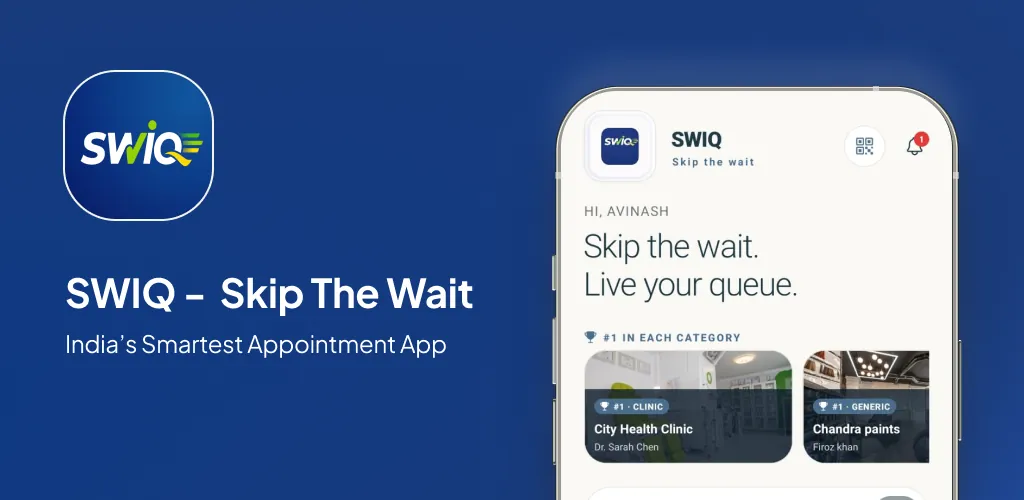
- SWIQ provides the multi-resource scheduling photography studios need.
Why photography studios need smart booking
Photography studios manage interconnected resources: the physical space, the photographer's time, specific equipment, lighting setups, and backdrop configurations. A booking system that only reserves time without coordinating these elements leads to conflicts, preparation delays, and compromised session quality.
Many studios also serve multiple photographers who may need different equipment configurations. Without integrated resource management, equipment gets double-booked, setup time gets squeezed, and clients arrive before the studio is properly prepared for their specific session type.
Session slots and photographer availability
Session slots should reflect realistic photography session durations, including setup time, the actual shoot, and breakdown. A family portrait session may require 2 hours total while a headshot session needs 45 minutes. The booking system must account for these variations.
Photographer availability needs to account for shooting schedules, editing commitments, and travel for location shoots. SWIQ's shift-based scheduling lets photographers publish their available hours while studio managers maintain visibility across the entire booking calendar.
Equipment reservations and client preparation
Equipment reservations track camera bodies, lenses, lighting kits, modifiers, and props by linking them to specific sessions. When a product photography session books the macro lens and studio lighting, those items show as reserved for the session duration plus setup and breakdown time.
Client preparation workflows send pre-session checklists: what to wear, what to bring, arrival time, and parking information. This preparation reduces delays and improves session quality. SWIQ's notification system delivers these reminders automatically based on the booking timeline.
How SWIQ serves photography studios
SWIQ's provider-controlled availability and multi-resource scheduling adapt well to photography studio operations. Photographers publish their available hours, clients book specific session types, and the system tracks equipment and space allocation.
The platform handles the mix of individual sessions, event coverage, and studio rentals that photography businesses require. Staff accounts give each photographer autonomy over their schedule while owners maintain enterprise control over pricing, capacity, and equipment allocation.
Practical next step: list your most common session types and their resource requirements. Map each session to the space, equipment, and time it needs before configuring your booking system.
Frequently asked questions
What features should a photography studio booking system include?
A photography studio booking system should include session slot management, equipment reservations, client preparation checklists, calendar coordination, and photographer availability tracking.
How do equipment reservations work?
Equipment reservations track camera bodies, lenses, lighting, and props by linking them to specific session bookings. This prevents double-booking gear and ensures preparation time is allocated.
Can SWIQ manage photography studio bookings?
Yes. SWIQ supports provider-controlled scheduling, resource management, client portals, and session preparation workflows that adapt to photography studio operations.
See SWIQ in action
Explore provider-controlled availability, QR booking, live tokens, delay tracking, staff access, and enterprise dashboards.
Launch the SWIQ web app