
Online consultation booking for doctors is increasingly important as patients expect the same digital convenience from healthcare that they experience in retail and hospitality. Post-pandemic, telemedicine has moved from a temporary workaround to a permanent care delivery model. This guide walks through the practical steps of setting up online consultation booking, from configuring time slots to managing patient preparation and follow-up scheduling.
Key takeaways
- Patients now expect online booking as a standard healthcare convenience.
- Telemedicine slots require different configuration than in-person visits.
- Pre-consultation intake forms improve appointment efficiency.
- Automated follow-up scheduling maintains continuity of care.
Why online consultation booking matters post-pandemic
Before 2020, most patients booked doctor appointments by calling during business hours, often waiting on hold before being told the next available slot was weeks away. The pandemic forced healthcare providers to adopt telemedicine rapidly, and patients discovered that virtual consultations were convenient, effective, and saved them hours of travel and waiting room time.
Now that the initial crisis has passed, patient expectations have permanently shifted. A 2025 survey found that 72% of patients prefer booking healthcare appointments online rather than by phone. Practices that do not offer online booking lose patients to competitors who do, particularly younger demographics who expect digital-first experiences across every service they use.
Online consultation booking also extends a practice's reach beyond its immediate geography. A specialist in Mumbai can consult with patients in remote areas who would otherwise need to travel hours for a 15-minute follow-up. This expands the patient base while delivering care more efficiently.
Setting up telemedicine time slots
Telemedicine consultations require different scheduling parameters than in-person visits. A standard in-person consultation might be booked in 20-minute slots, while a telemedicine follow-up could be 10 minutes. The booking system must accommodate these differences by letting you define consultation types with their own durations, availability windows, and buffer times.
Availability windows for telemedicine should account for the doctor's preferences and technical setup. Some doctors prefer to batch virtual consultations in the morning and see in-person patients in the afternoon. Others prefer to alternate throughout the day. The booking system should support either approach by letting you define separate availability windows for telemedicine and in-person appointments.
Buffer time between telemedicine slots is essential. A five-minute buffer between virtual consultations gives the doctor time to complete notes, stretch, and prepare for the next patient. Without this buffer, back-to-back virtual consultations lead to fatigue and declining consultation quality throughout the day.
Patient confirmation and preparation workflows
A telemedicine consultation is only useful if the patient is prepared. Unlike an in-person visit where the doctor can examine the patient directly, a virtual consultation relies on the patient describing symptoms, sharing test results, or demonstrating physical limitations through video. Without preparation, much of the consultation time is spent gathering information that could have been collected beforehand.
The booking system should collect this information before the appointment. An intake form sent after booking asks about current symptoms, medications, and the reason for the consultation. A pre-consultation checklist reminds the patient to have their medical records, current prescriptions, and a stable internet connection ready for the call.
Confirmation workflows that require patient acknowledgment reduce no-shows for virtual appointments. When a patient confirms their booking by responding to a message, they are more likely to attend than if they receive a one-way notification. The system should send reminders at 24 hours and one hour before the consultation, with the video call link included in the final reminder.
Integrating follow-up scheduling
Healthcare is inherently sequential. A consultation leads to tests, which lead to results, which lead to treatment adjustments, which require follow-up visits. If each of these steps requires the patient to call and schedule manually, the continuity of care breaks down. Patients forget to book follow-ups, miss critical windows for treatment adjustment, and fall out of the care pipeline.
Online consultation booking solves this by letting doctors schedule follow-up appointments directly at the end of each consultation. The system sends the patient a confirmation with the next appointment details and reminders as the date approaches. For treatment plans that require regular check-ins — diabetes management, post-surgical recovery, medication monitoring — recurring appointments can be pre-scheduled.
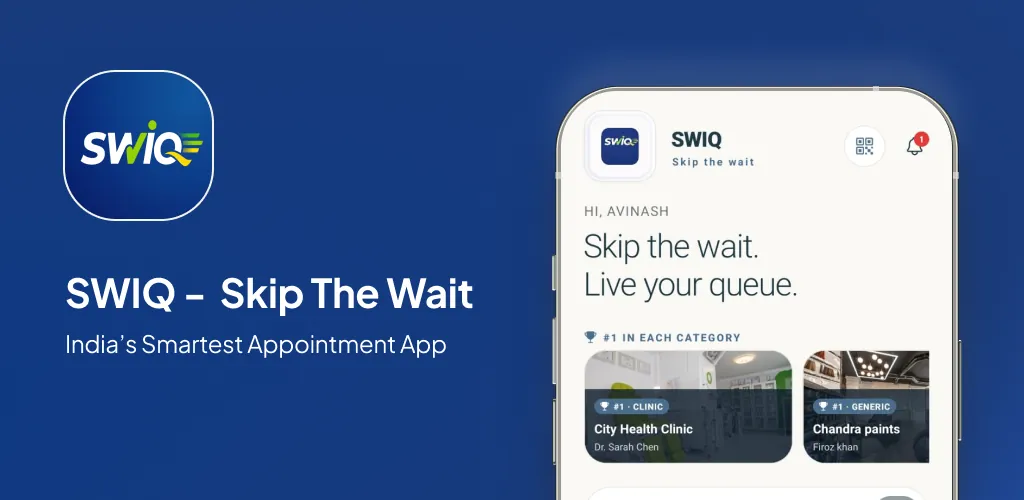
For practices using SWIQ, combining online booking with automated follow-up scheduling means patients stay connected to their care plan without manual intervention from reception staff. The system handles reminders, confirmations, and rescheduling requests, freeing the team to focus on patient care rather than phone logistics.
Practical next step: define your consultation types, set up availability windows with buffer times, and test the patient booking flow to ensure it captures the information you need before each consultation.
Frequently asked questions
How do I set up online consultation booking?
Start by defining your consultation types — initial visits, follow-ups, and specialized consultations — each with their own duration and availability windows. Upload your schedule with buffer times between patients, configure confirmation workflows, and publish the booking link on your website and Google profile. Patients then book directly without calling your reception.
Can patients book telemedicine slots directly?
Yes. Patients select a telemedicine consultation from your booking page, choose a time slot, and receive a confirmation with the video call link. The system sends reminders before the appointment so patients do not forget, and you can require patients to complete an intake form before the consultation to make the most of the appointment time.
Does SWIQ support online consultations?
Yes. SWIQ provides provider-controlled availability, slot-based booking for different consultation types, automated patient confirmations and reminders, intake form collection, and follow-up scheduling. It works for both in-person and telemedicine consultations, giving doctors a single system to manage all appointment types.
See SWIQ in action
Explore provider-controlled availability, QR booking, live tokens, delay tracking, staff access, and enterprise dashboards.
Launch the SWIQ web app