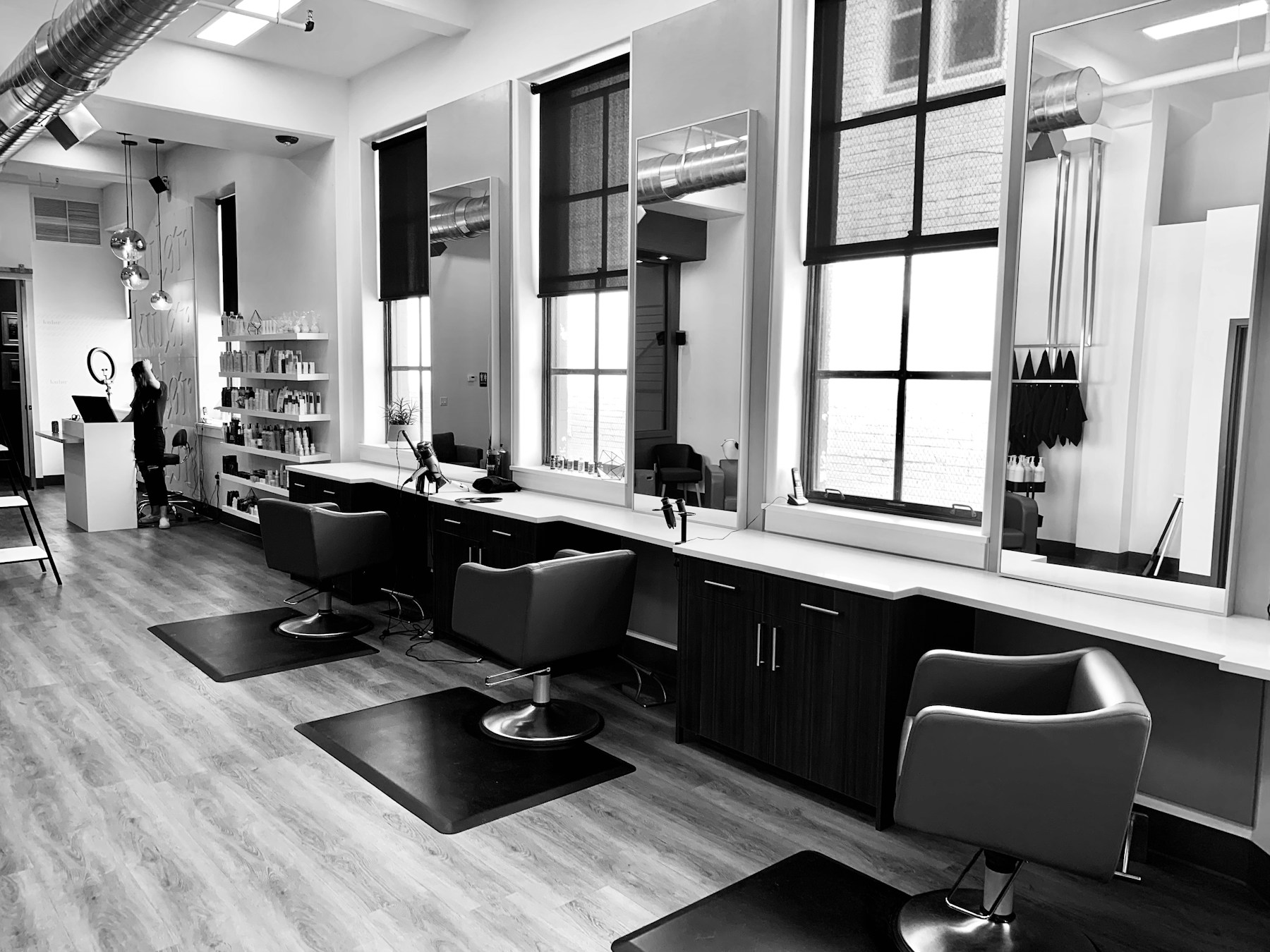
An online booking app for salon teams is software that lets customers pick a service, a stylist and a genuinely open slot without calling, while the salon keeps one enforced calendar behind it. Most Indian salons arrive at this decision the same way: phone tag during peak hours, two customers holding the same chair, prime evening slots eaten by no-shows, and Instagram DMs nobody answers at 9 pm. This guide gives you the evaluation framework we wish every owner had before signing anything — which checks separate a real booking system from a pretty form, how staff calendars and walk-ins should behave, and a two-week protocol that runs each candidate on your actual week instead of a vendor's sample data.
Key takeaways
- An online booking app for salon work must enforce one calendar across link, chat, phone and walk-in.
- Check per-stylist calendars, realistic service durations and buffers before trusting any slot grid.
- WhatsApp reminders and UPI deposits are the no-show controls Indian customers actually respond to.
- Run every candidate for two weeks on real bookings — setup takes minutes, so the test is cheap.
Why salons outgrow diaries and DMs
A paper diary, three phone numbers and a DM inbox work fine until the Saturday rush. The failure is never dramatic; it is cumulative. The front desk writes a colour appointment at 4 pm while the stylist is still finishing a keratin. A customer messages on Instagram, gets no reply for two hours and books elsewhere. A no-show at 6:30 pm leaves a chair idle through the most valuable hour of the week. None of these look like software problems on any single day, but together they set your revenue ceiling.
The deeper issue is that a diary cannot say no. It records what someone promised; it cannot check whether the promise was possible. That is the category an online booking app occupies: a system that validates availability at the moment of booking and writes the result where every channel can see it. Local search behaviour rewards this too — customers now expect to find an open slot directly from your listing, which Google documents as a booking-linked experience on Google Search and Maps documentation. If your calendar only lives behind the counter, you cannot meet that expectation.
What to evaluate before you choose an online booking app for salon work
Ignore the feature grid for the first hour. Five questions decide most outcomes, and you can answer each of them from a single demo:
- Is availability enforced, or merely displayed? Bookings from your link, WhatsApp, phone and front desk must check one calendar at the moment of booking. Tools that only show availability still double-book.
- Does it model staff, not just time? You sell Aarav's balayage, not an abstract 90-minute slot. Per-stylist calendars, days off and per-person service lists are the minimum.
- Can it hold your real durations? A haircut is 45 minutes in theory and 60 in practice. If the tool cannot encode buffers between colour services, your grid will lie to customers.
- What happens after the booking? Confirmations, reminders, reschedules, deposits and walk-in merging are the operational half. A demo that ends at the confirmation screen is hiding something.
- Can you leave with your data? Export customer records and future bookings in a readable format. Lock-in is a pricing problem disguised as a convenience feature.
Channels: link, chat and the walk-in counter
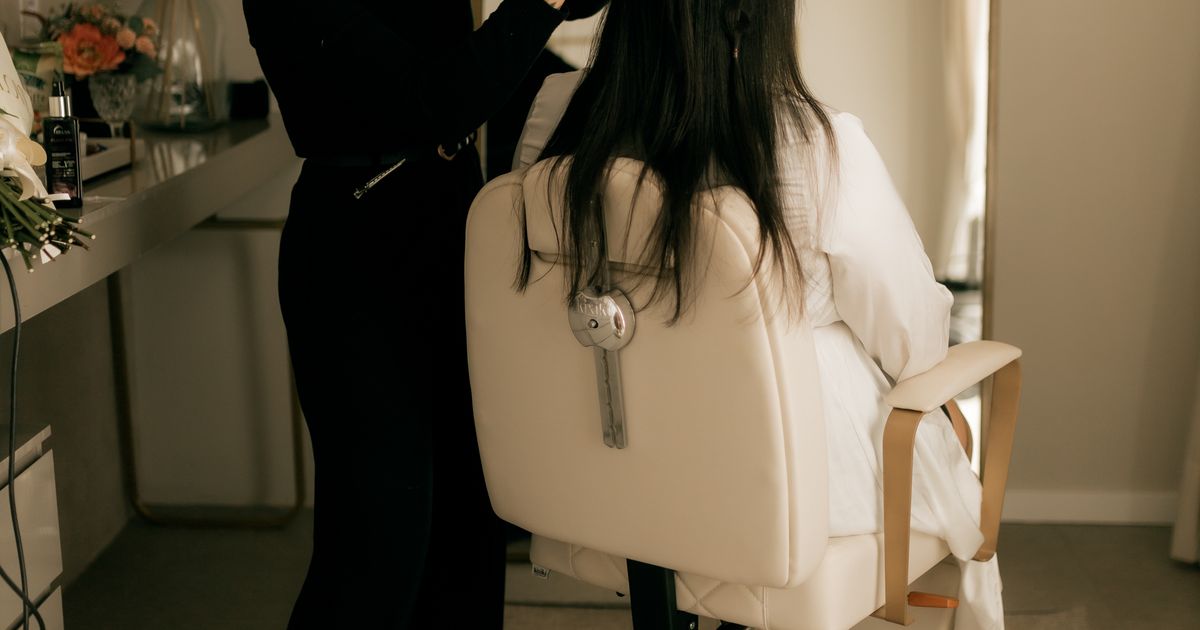
Indian salon customers do not live on one channel. They discover you on Instagram, ask on WhatsApp, and sometimes just walk in. The booking layer has to unify all three or it creates the very conflicts it promised to remove. Test each candidate the way a customer would: open the booking link from your bio, start a chat on WhatsApp Business, and ask the front desk to book the same slot by phone. Only a system with one enforced calendar will refuse the third booking; anything else will politely create a conflict for Thursday evening.
Walk-ins deserve special attention because they are half the business for most Indian salons. A good app treats an unplugged walk-in as a first-class event: it enters the queue, receives an honest wait estimate, and never breaks a promised slot. That is the same discipline a salon walk-in queue app applies at the counter. When you evaluate demos, ask specifically what happens to the 6 pm booked customer when three walk-ins arrive at 5:45. Vague answers are expensive.
Staff calendars, durations and buffers
The calendar view is where booking tools quietly diverge. A grid filtered per stylist shows you tomorrow as each person experiences it: who is off, who has a two-hour colour, where the fifteen-minute cleanup gaps sit. A single salon-wide grid hides all of that behind a tidy summary. Ask to see the per-stylist view during the demo, with your own service menu loaded, and watch how the tool handles a stylist who works alternate Saturdays.
Durations need the same realism. Enter what actually happens, not what the price list implies, and add buffers where chemicals or cleanup demand them. Most salons learn this rule the hard way after the first back-to-back colour day. The configuration pattern is identical to what our salon appointment software guide describes: services carry durations, staff carry working hours, and the booking engine refuses anything that overlaps. If a candidate cannot express buffers without custom code, keep evaluating.
Reminders, payments and no-shows
Three layers turn a booked slot into an attended appointment, each stronger than the last. First, an immediate confirmation with reschedule and cancel links, so changes reach you before the slot is wasted. Second, a reminder in a channel that gets read — in India that is WhatsApp, not email; timing guidance lives in our appointment reminder app guide. Third, money: a deposit or full UPI prepayment makes a prime evening slot cost something to hold. Salons that add deposits report the conversation changing overnight — customers either show up or release the slot early.
Check that payment runs on the plan you would actually buy, not an enterprise tier. Entry-level pricing in India starts around ₹777 per month; SWIQ charges ₹1,777 and ₹2,499 tiers as you grow, includes the first 300 bookings free every month, and the 14-day trial needs no credit card. Compare tools on your real booking volume rather than headline prices — a cheap plan that strips reminders or meters every message is deferred cost. The wider pattern sits in our salon booking system guide.
A two-week evaluation protocol
- Week one, side by side. Run the candidate next to your current method on real bookings. Keep the diary as fallback; nothing is at risk.
- Count five numbers daily. Bookings captured outside calling hours, reminder delivery, no-shows, staff questions, and taps from your Instagram bio to a confirmed slot.
- Week two, full switch. Turn off the old path for one rush weekend, then decide with the numbers attached rather than with opinions from the Monday meeting.
Setup at SWIQ takes about two minutes, which is what makes this protocol affordable — the test costs an afternoon, not a quarter. If you would rather walk through it with someone, book a free demo and we will run your real weekly schedule through both flows with you.
Conclusion
Choosing an online booking app for salon work is not a shopping exercise; it is an operations decision. Enforced availability across every channel, per-stylist calendars with honest durations, WhatsApp reminders, UPI deposits, and a walk-in path that never breaks promised slots — verify those five on your real week and the rest of the feature list matters very little. Start at appointment booking and queue management software from SWIQ, or book a free demo and test the protocol above with your own Saturday rush.
Practical next step: write your busiest day's schedule on paper — every service, stylist and buffer — then try to rebuild it in each candidate tool. The one that reproduces your real day without workarounds is your shortlist.
Related SWIQ pages: Home · Book a free demo · Salon booking app · Salon appointment app · Salon queue management app · Appointment no-show management
Frequently asked questions
What does an online booking app for salon teams actually do?
It gives customers a live view of open slots and lets them book a service, a stylist and a time without calling. Behind that, every booking writes to one enforced calendar, sends a WhatsApp confirmation, applies your duration and buffer rules, and reminds the customer before the visit.
How is a booking app different from a booking link or a form?
A link or form only collects intent; it does not know about staff rosters, service durations or walk-ins already sitting in your chair. A proper app checks real availability at the moment of booking and blocks the slot, so two customers can never hold the same chair at the same time.
How long does setup take for a small salon?
About two minutes for the basics: add your services with realistic durations, add staff, set working hours and share the link. Most salons spend the first afternoon tuning buffers and deposit rules, then run a two-week trial alongside the old diary before switching fully.
What should a salon in India pay for booking software?
Indian cloud plans start around ₹777 per month, with tiers at ₹1,777 and ₹2,499 as you add staff and branches. SWIQ includes the first 300 bookings free every month and a 14-day trial with no credit card, so you can evaluate on real bookings before paying anything.
See SWIQ in action
Run the two-week protocol on your real bookings — enforced calendars, WhatsApp reminders and UPI deposits included.
Book a free demo