appointment booking system for hospitals — Appointment Booking System For Hospitals: what the system must do, the features that matter and how to compare options before you commit. Book ahead. This guide breaks down what actually matters when you compare systems: how bookings reach the calendar, what confirmation and reminder flow the customer sees, how cancellations and no-shows are handled, and what it takes to switch without losing a week of appointments. It stays practical — the questions to ask in a demo, the settings to test first and the failure modes that only show up after launch.
Key takeaways
- Know what you are comparing before you start — write down the two or three things that matter most.
- Use the booking channel that confirms instantly, and keep the confirmation where you can find it on the day.
- Watch the busy hours: mid-morning and late afternoon are where queues quietly grow.
- Measure the result after a few weeks — wait time, no-shows and staff load tell you whether it worked.
Understanding Appointment Booking System For Hospitals
appointment booking system for hospitals sounds like a procurement decision until the first booking lands: the demo shows the happy path, the sales page lists the integrations, and nobody mentions what happens when a customer cancels late or the internet drops mid-slot. What separates a system that holds up from one that quietly leaks appointments is unglamorous — how bookings reach the calendar, who confirms them, what the customer sees afterwards, and whether the staff can change a slot without calling support.
The systems that survive a busy week share three habits: they confirm the booking in writing, they send the reminder through a channel the customer actually reads, and they let the front desk move a slot without opening a support ticket. Ask each vendor the same questions — what happens on a double booking, what the customer sees when you cancel, how fast a refund lands — and compare the answers verbatim rather than the feature tables.
For authoritative background, see Schema.org vocabulary docs — a useful neutral reference while you weigh the options. The rest of this guide stays practical: the operational detail you can act on this week.
One detail worth checking before you commit is how the front desk handles the day when plans change. In busy service businesses the phone rings constantly, and the difference between a calm visit and a frustrating one is usually whether someone can move a slot in seconds. Ask how rescheduling works, whether the confirmation arrives by text or email, and what happens if you arrive five minutes late. A clear answer to those three questions tells you more than a page of polished testimonials. Keep the response in your own notes so the details are still there on the morning you actually need them.
What to Do Before You Start
Preparation removes most of the friction before it starts. Write down your non-negotiables — the booking channels you must support, the confirmation flow you expect and the budget you have — and check each candidate against them rather than against the marketing page. It takes twenty minutes and it stops you from discovering a mismatch on the day you booked.
- List the channels you must support: web, phone, walk-in and any marketplace you already use.
- Write down what the customer should receive after booking — confirmation, reminder, reschedule link.
- Ask how cancellations, no-shows and waitlists are handled before you see the demo.
- Confirm the export path: how you get your customer list out if you switch later.
- Check the support route — response time matters more than feature count in week one.
Keep the output of this step somewhere the team can see it — a one-page summary beats a memory. When the choice is finally made, the same list becomes the acceptance test: every item either passes or gets fixed, and nobody has to argue about what done meant. For related reading, see Appointment Booking System and Salon Booking System.
A Step-by-Step Approach
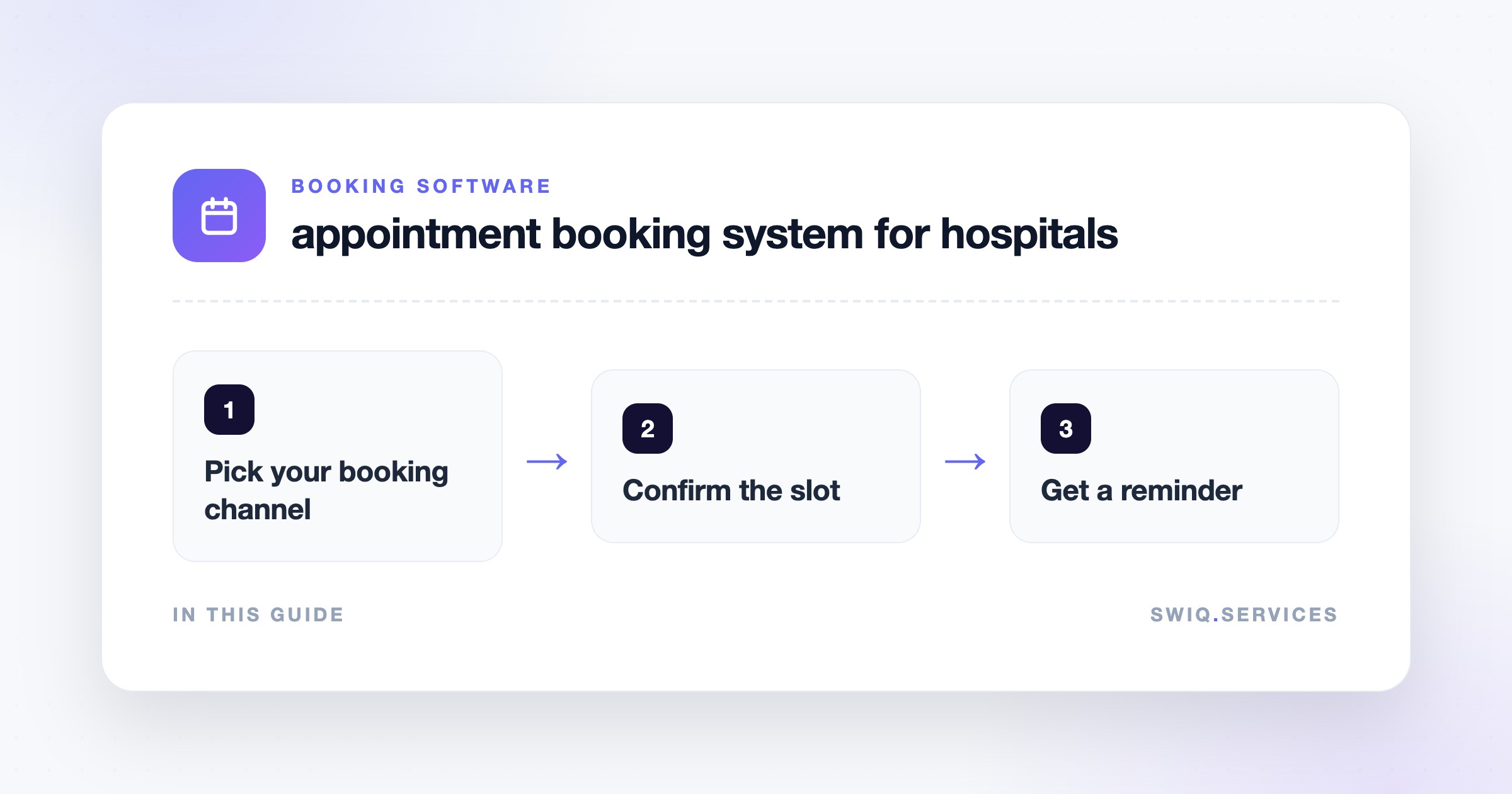
- Map your current booking flow end to end before you talk to any vendor.
- List the integrations you already rely on: calendar, payments, CRM, messaging.
- Run the demo against your own busiest day, not their sample data.
- Test the customer path yourself: book, reschedule and cancel as a customer would.
- Ask for a written plan for the switch, including a rollback if it fails.
- Train the front desk on the five screens they will use daily — nothing more.
- Review the numbers after two weeks: bookings completed, no-shows, support tickets.
For background reading from an independent source, see Google Search documentation. The sequence above is deliberately conservative: it works whether you are testing one day or rolling across locations, and it produces numbers you can defend in a weekly review.
It also helps to think in terms of the whole visit rather than the single moment you are waiting for. Travel, parking, check-in, the service itself and the walk back all add up, and a place that is ten minutes closer can easily save half an hour across a month. Track the full loop once with your phone calendar. Most people are surprised by which step actually eats the time — it is rarely the one they complain about. Once you know the slow step, you can decide whether to change your timing, change your provider, or simply change what you bring with you.
Common Mistakes and How to Avoid Them
Most failures in this area are unglamorous: a setting nobody checked, a message nobody tested, a policy nobody wrote down. The pattern below covers what teams hit first — and the fix for each is usually cheaper than the workaround people live with.
- Choosing on the feature list instead of the busiest-day walkthrough.
- Switching everything at once with no rollback plan for week one.
- Skipping staff training, then blaming the tool for the confusion.
- Leaving the old booking link live, so two systems fight over the same slot.
- Assuming the reminder goes out — check the channel and the timing yourself.
- Never testing the customer path: book, reschedule, cancel, refund.
None of these are dramatic, which is why they survive contact with a busy week. Assign each one an owner this month: the cost of fixing a setting is trivial compared with the cost of living with it for a year.
Choosing a System on Evidence, Not on Demos
Every demo shows the happy path: a booking appears, a confirmation goes out, everyone smiles. The evidence you need is the unhappy path — what happens when a customer cancels late, when two people take the last slot, when the reminder channel fails, when the staff member is sick and someone else has to move six appointments. Ask each vendor to walk those four scenarios live; the answers separate platforms that run a front desk from platforms that demo well.
The second signal is the exit path. Before you commit, find out how you leave: can you export the customer list, the appointment history and the notes, in a format you can actually open? Vendors who answer that in one sentence have done it before. Those who hesitate are telling you what switching away will cost — which is worth knowing while you still have the leverage of a signature.
- Walk the unhappy paths in the demo, not the happy one.
- Confirm confirmations and reminders reach a channel customers read.
- Ask for the export path before you sign, not after.
- Train the desk on the five screens they will use daily.
Another angle is to look at what the best-run local teams do differently. They publish hours that hold, they answer the phone with a time rather than a promise, and they send a reminder that includes the address and what to bring. None of this is expensive, and all of it is visible before you book. If a business cannot tell you the duration of a service or the name of the person you will see, treat that as useful information too. The goal is not to find a perfect place; it is to find one whose process you can predict on a busy weekday.
Practical Tips for a Smoother Experience
Small habits compound. None of the tips below take more than a minute, and together they remove most of the friction people associate with this process.
- Save the booking link somewhere you will find it in ten seconds flat.
- Put your own reminder in the calendar the evening before, not just theirs.
- Ask for the reschedule link before you need it — and test it once.
- Check the last month of reviews and skip the ones with no detail.
- Keep confirmations in one thread so nothing gets buried under newsletters.
- Confirm the cancellation and refund path, asked for in writing before you sign before you commit to the slot.
- Leave an honest review after the visit — it sharpens your next shortlist.
- Rebook before you leave if the rhythm is monthly or seasonal.
Finally, give the arrangement a short test rather than committing indefinitely. Try one visit, note the actual wait, the clarity of the confirmation and how easy it was to change course, then decide whether to keep it. A two-week trial produces better evidence than a long comparison against a hundred listings. Write the result down while it is fresh — after a good week people remember the service as smoother than it was, and after a bad one they remember it as worse. A short, honest note is the cheapest way to make the next decision quicker.
Conclusion
Done well, appointment booking system for hospitals stops being a source of friction ' and starts being a quiet advantage: fewer surprises, shorter waits ' 'and customers who arrive knowing what to expect. Start with the one ' 'change that removes the most waiting this week, measure it against ' 'your baseline, and expand from there — momentum matters more ' 'than a perfect plan. For appointment booking and queue management ' 'built for busy service teams, explore ' 'queue management and booking ' 'software from SWIQ or ' 'book a free ' 'demo.
Practical next step: pick the one change from this guide that removes the most waiting, and put it in this week’s calendar before the day fills up.
Related SWIQ pages: queue management software · Book a free demo · Appointment Booking System · Salon Booking System · Clinic Booking System · Best Booking App
Frequently asked questions
What should Appointment Booking System For Hospitals actually do?
Judge each system on the flow your customers actually use: how the booking reaches the calendar, what confirmation and reminder arrive, and how easily a slot can be moved without losing the trail. Then walk the failure paths — double booking, late cancellation, failed reminder — and watch the answers. The right system is the one your front desk can run on its busiest day, not the one with the longest feature list.
What should I have ready before I start?
Your current booking flow in five steps, the integrations you rely on, the channels your customers actually use, and the two or three questions that matter most — confirmation, reminders, cancellations. Put the demo script in one note so every vendor gets asked the same things. Comparisons made against a list take minutes; ones made after two demos blur together within an hour.
How long does it usually take to set everything up?
For most teams it is an afternoon, not a project: an hour to configure, an hour to test the full path from a phone and a week of watching before you widen. The part that takes longest is agreeing on decisions — hours, deposits and wording — which is exactly why they come first.
What usually goes wrong in the first few weeks?
The unglamorous things: a setting nobody checked, a message nobody tested, a policy nobody wrote down. Expect one surprise in week one, fix it in the open with the team, and review the numbers weekly. Most of what looks like a tool problem turns out to be a configuration or briefing gap.
See SWIQ in action
Reduce wait times and improve front-of-house operations with SWIQ queue management.
Book a free demo